Sorry to necro after such a long time, but I recently received my AYN Odin Lite and thought people might want to hear about my experience with cloud gaming on it. (I spent so long typing this up please read it I’m so tired)
It’s an Android handheld device, which I intend to use for cloud streaming and emulating my large collection of dumped games. I took all of these photos with my phone to give an idea of what you can expect. The device in question, with an SD card for scale:
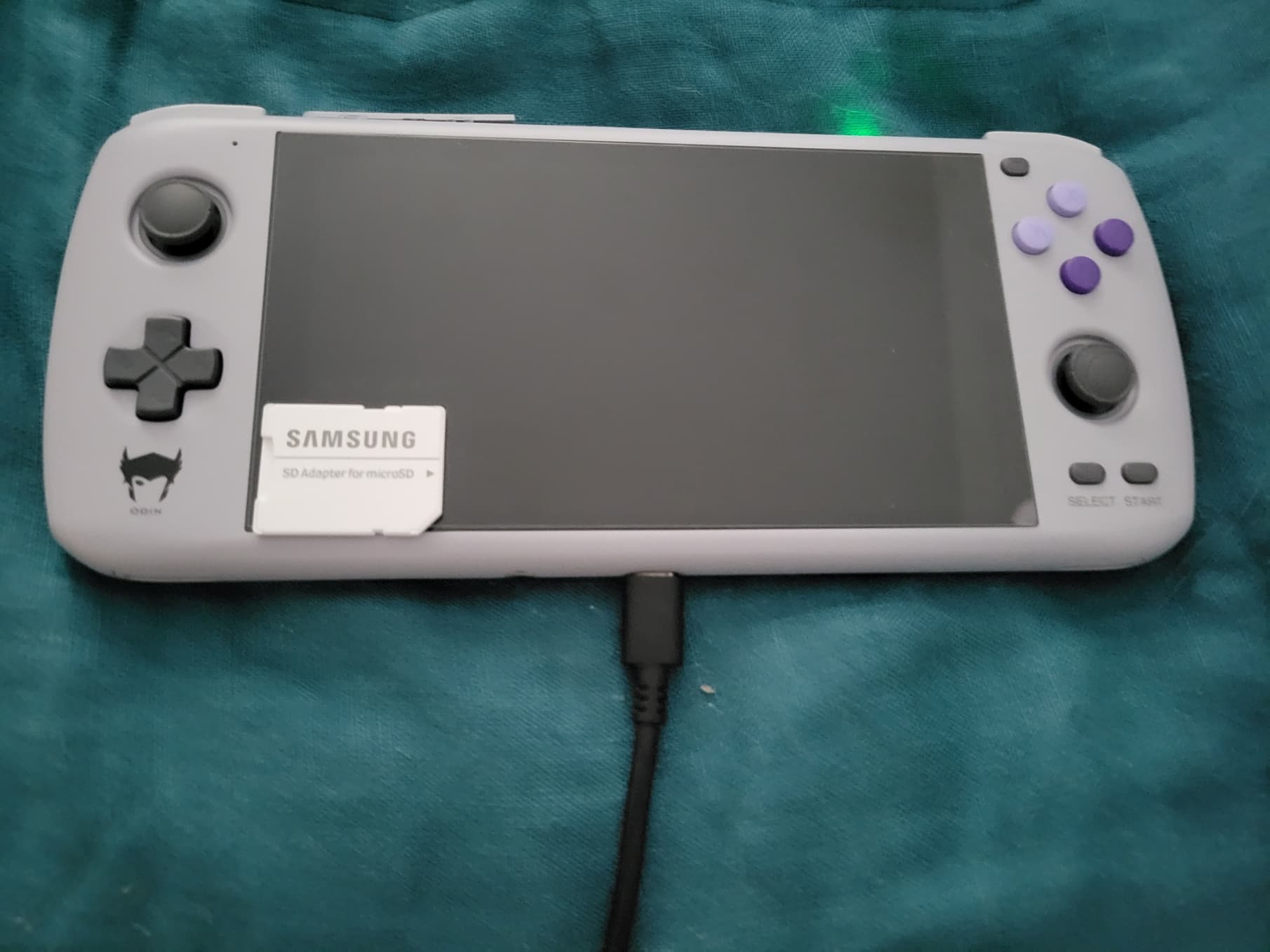
This is the AYN Odin Lite. It has a 1080p screen, and I opted to upgrade the RAM to 8 GB and 128 GB of onboard storage. This is the Cold Gray color, which I had to choose as a former Nintendo kid. And don’t worry, I fixed the screen protector after I took the picture

A few caveats before we start: I’m just a layman and don’t have any special knowledge of technical terms. I’ll try to explain what I mean in case I use the wrong term, and if I made any mistake, I’ll happily correct them. Also, I’m not especially sensitive to things like lag, delay, frame drops, and such. I note if anything egregious happens but don’t assume everything is 100% perfect because I didn’t comment on it. Also, any hair you might see is almost certainly from my big dog, so please don’t be too grossed out.
Persona 5 Royal streaming from xCloud
I’ve been excited to play Persona 5 Royal, and it seemed like a good starting test case. The following images are from using the Xbox Game Pass (Beta) app to stream the game through xCloud from Microsoft’s Series X blades. The device in question is in High Performance mode and its active cooling is set to Smart mode:
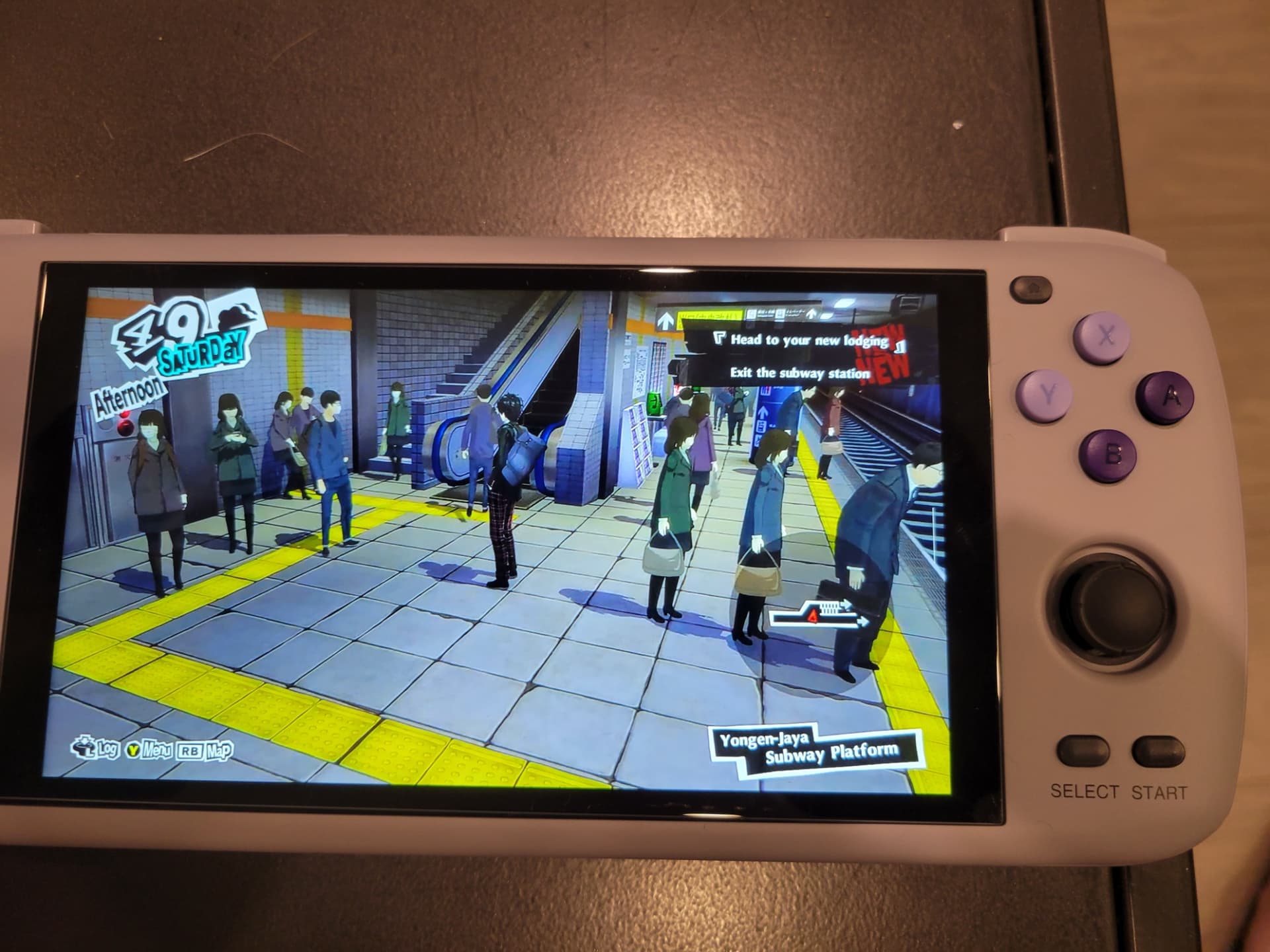
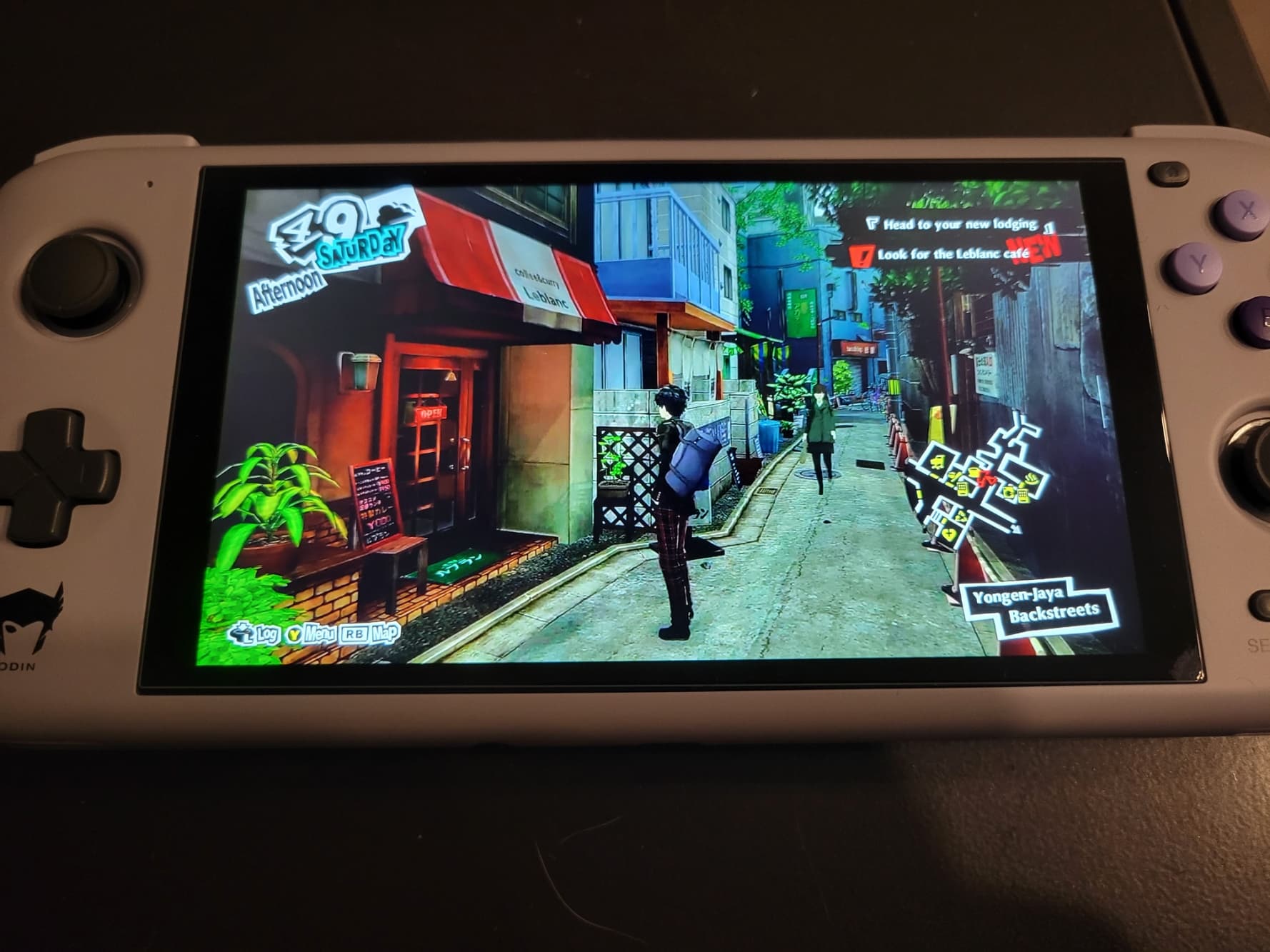
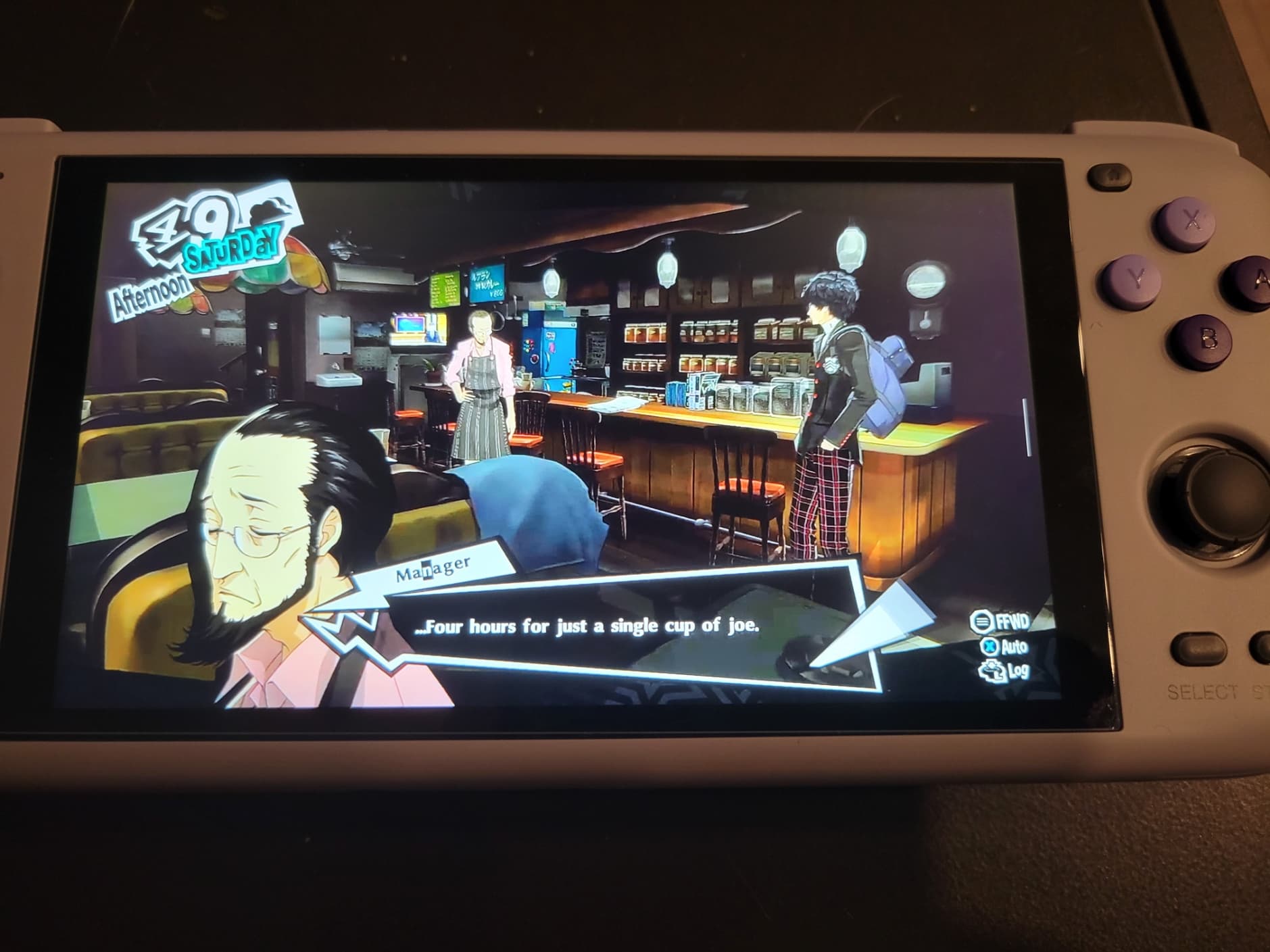
It felt very smooth, though it isn’t exactly a demanding game.
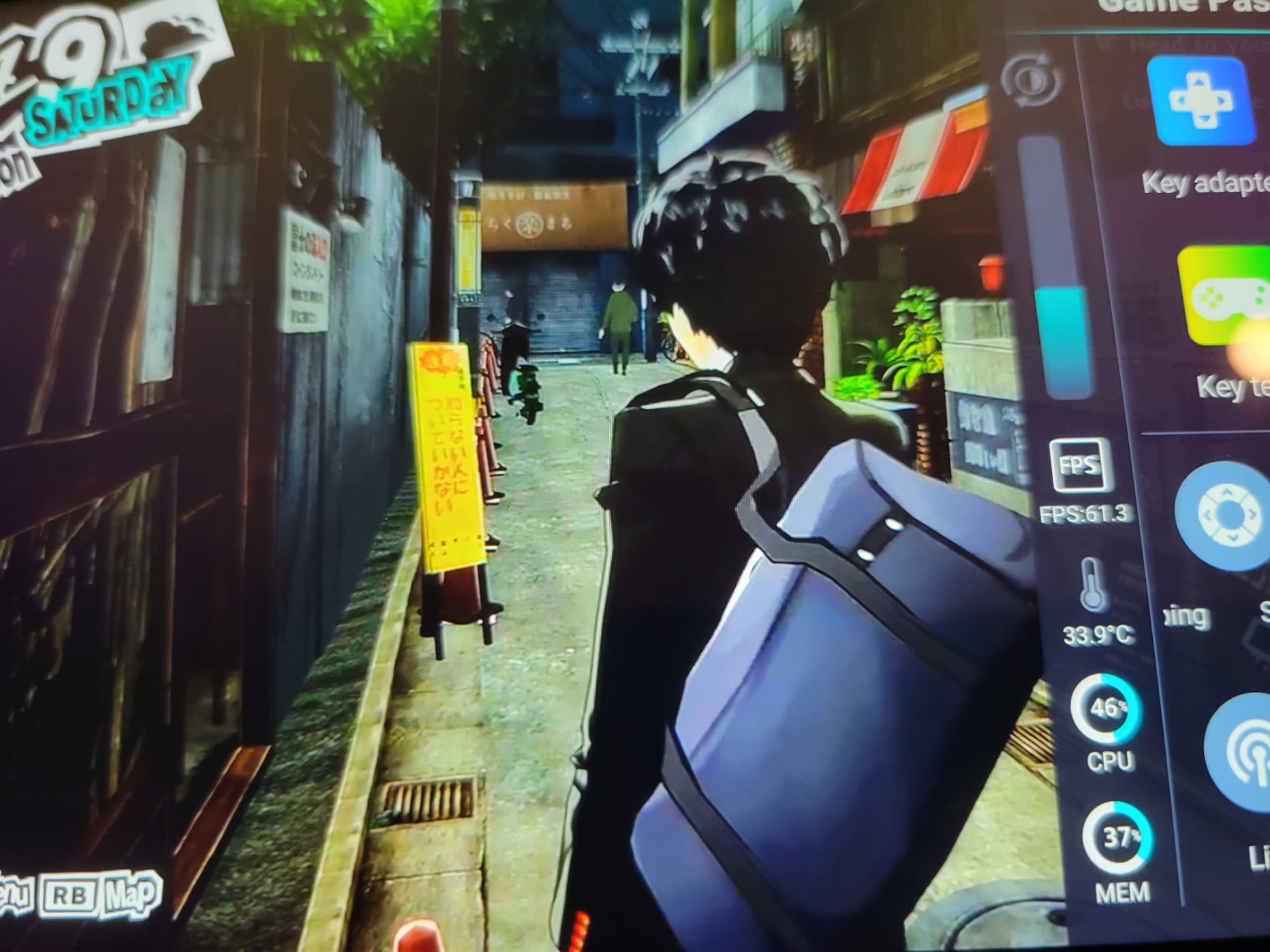
The device has a menu that allows you to see some interesting stats. There’s also a key adapter for mapping parts of the touch screen to buttons, for touch-based Android games.
And speaking of touch screen buttons…
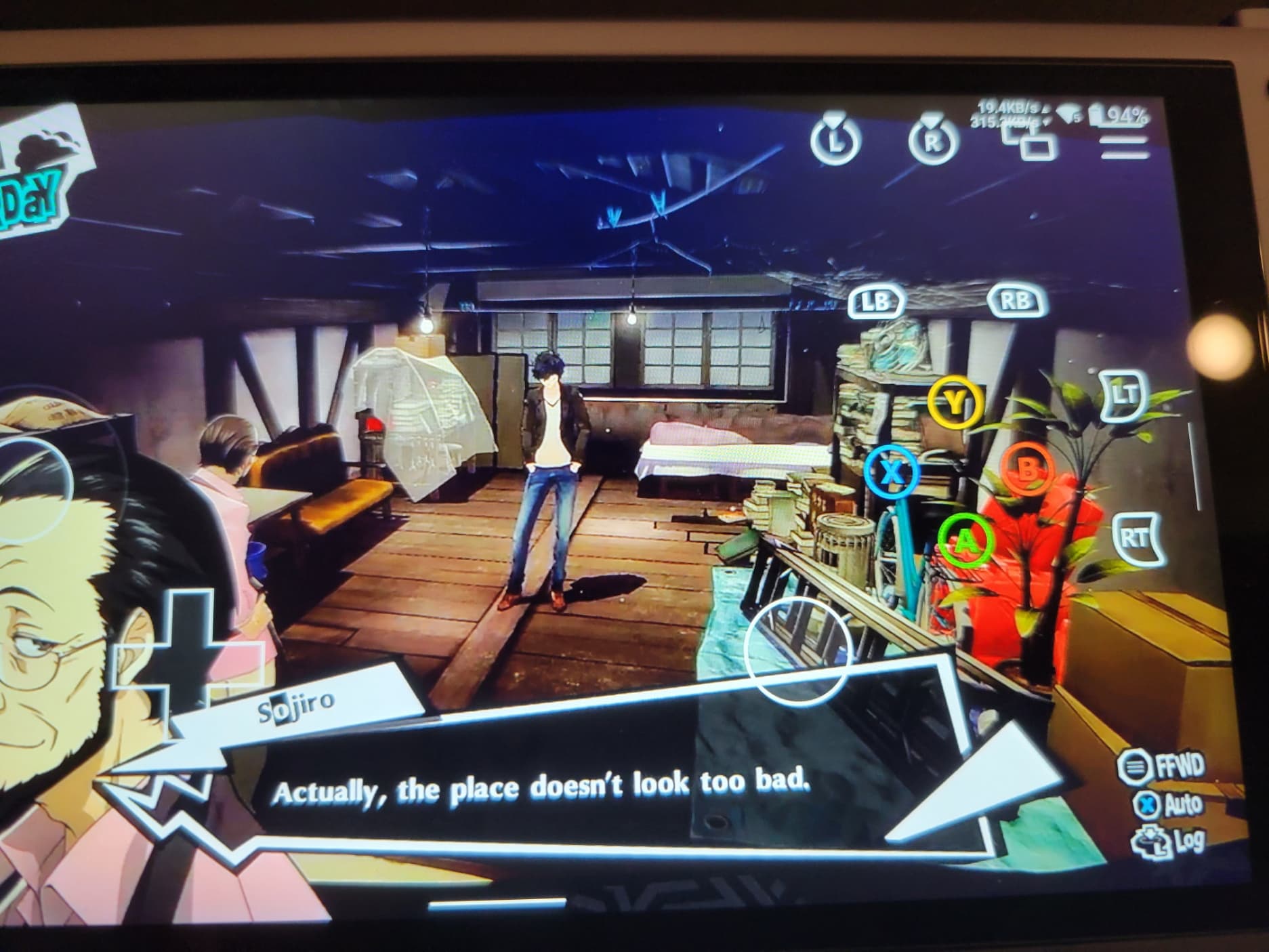
I swiped down on the notification bar to show off the Wi-Fi icons. You can see your speeds and even the type of Wi-Fi you’re on (I’m only on Wi-Fi 5, but the Odin Lite supports 6) To my surprise, the touch controls overlay appeared immediately. They disappeared as soon as I pressed any physical button.
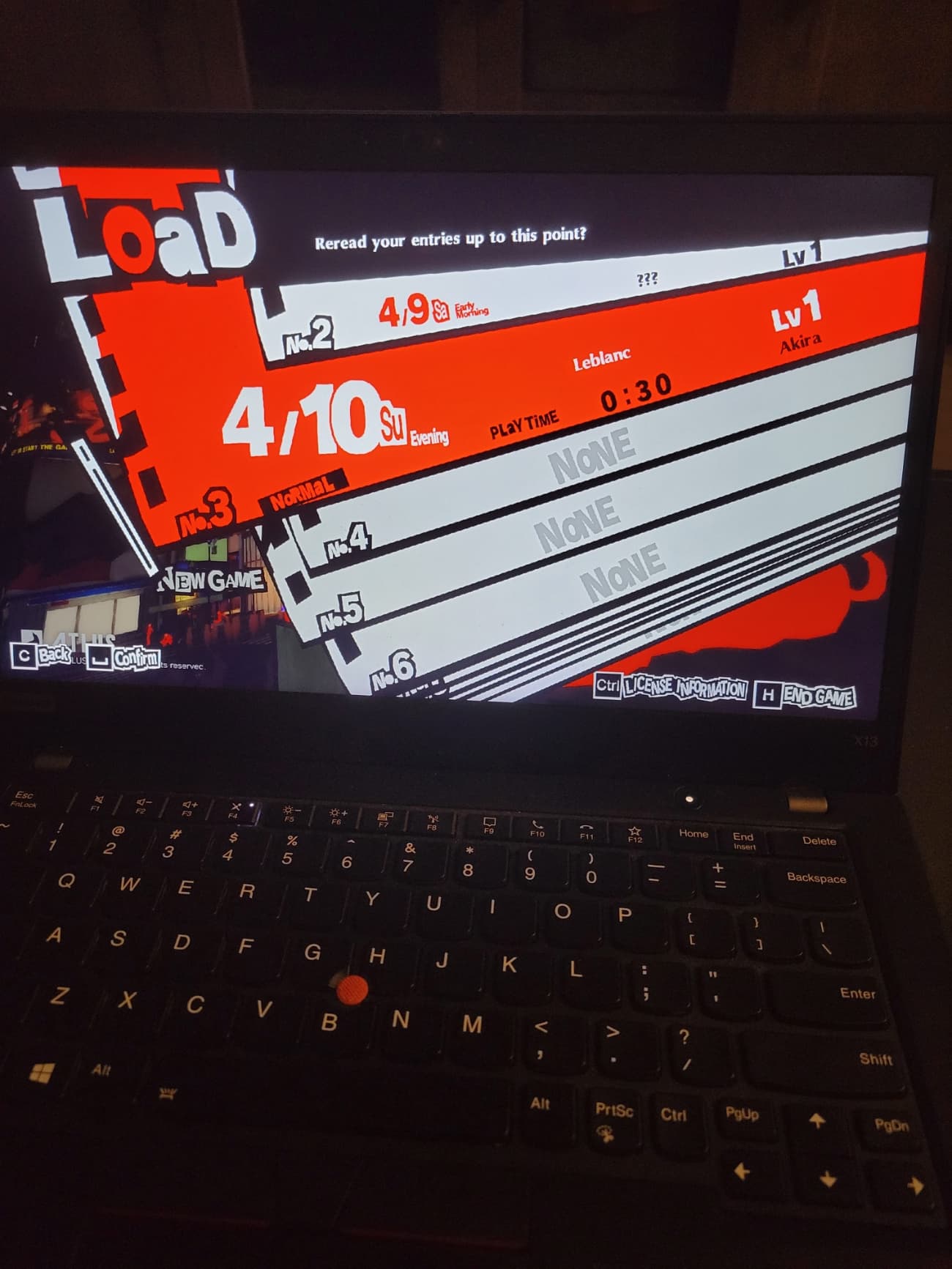
I didn’t want to get too deep into P5R, so I cut that experiment short after checking that my save synced between Cloud/Console/PC. No issues!
Regarding resolution, I think I’ve read that the Android app is limited to 720p. I’ve read and used a workaround that lets you use Kiwi Browser to browser stream at 1080p. Haven’t had a chance to look at the results yet, though.
Console streaming and Plex
Next, I decided to try console streaming, as this would probably be my biggest use case. Streaming from my console while my partner uses the TV.
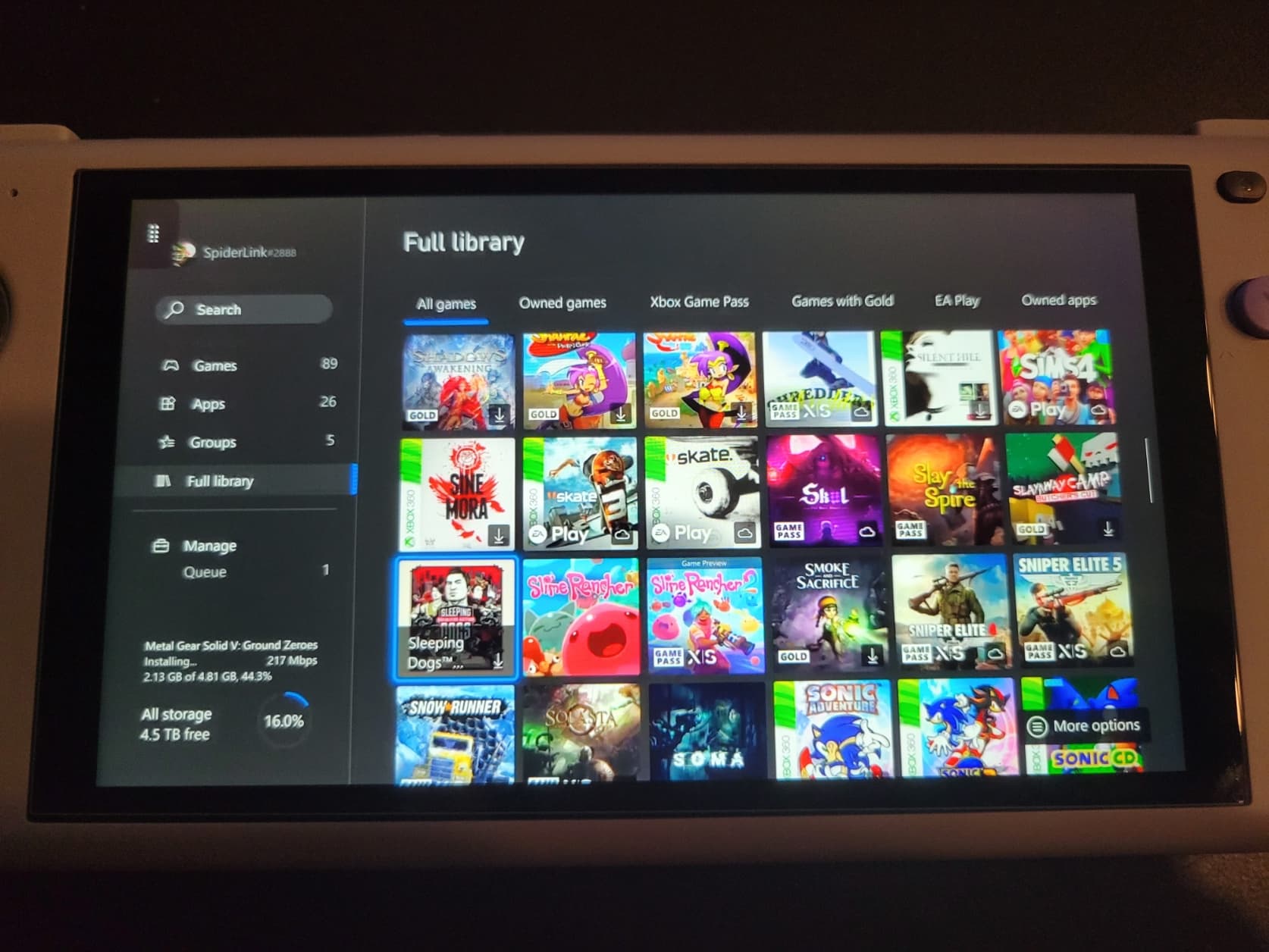
No issues yet, the blurriness is from my shaky hands and not the stream quality.
Since this was working a little too well, I decided to throw a curveball to see how it could handle something trickier. I launched the Plex app to see how it handled streaming video from my server:
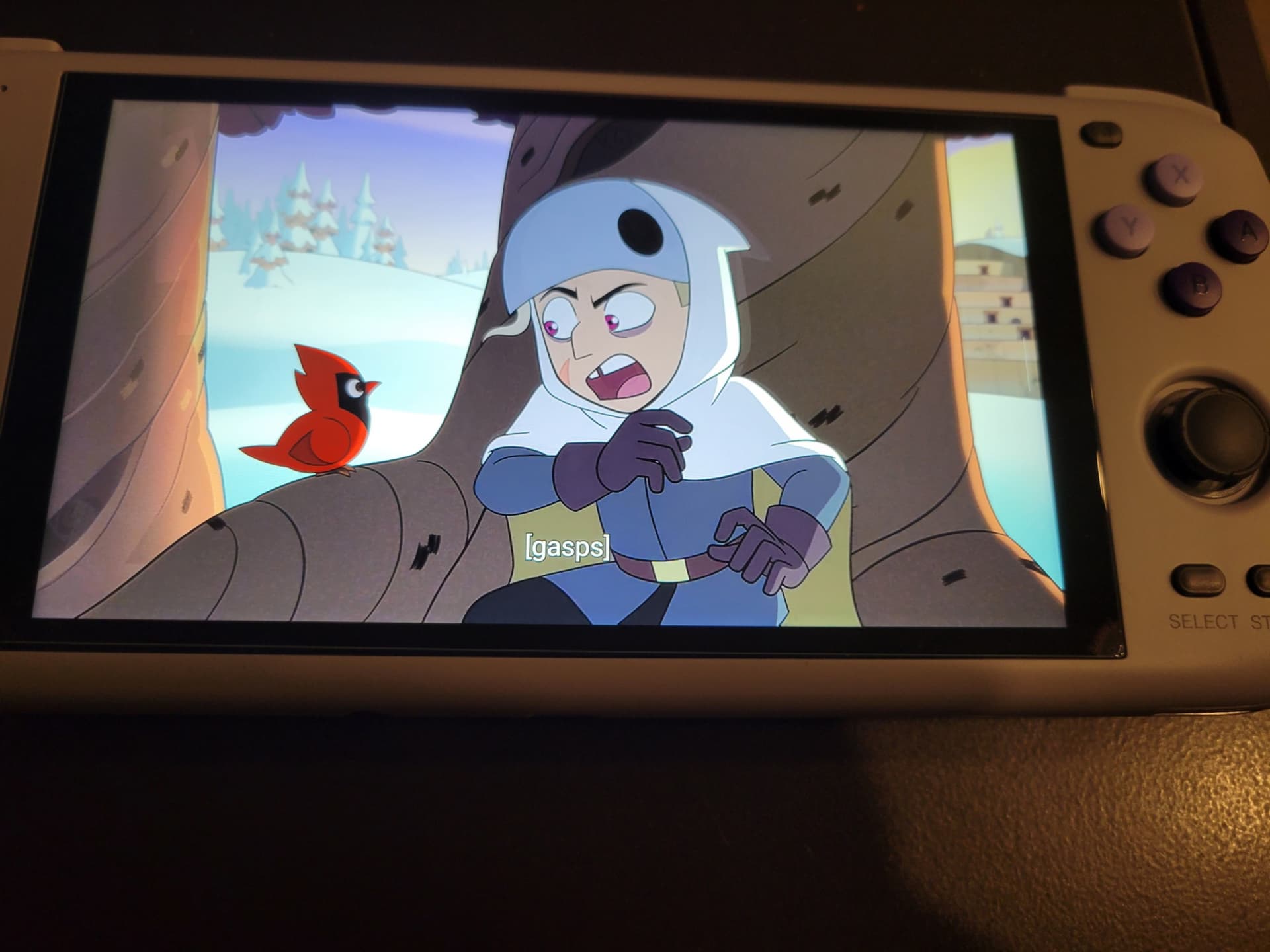
No issues whatsoever, but how would it behave if I jumped back and forth between that and console streaming?
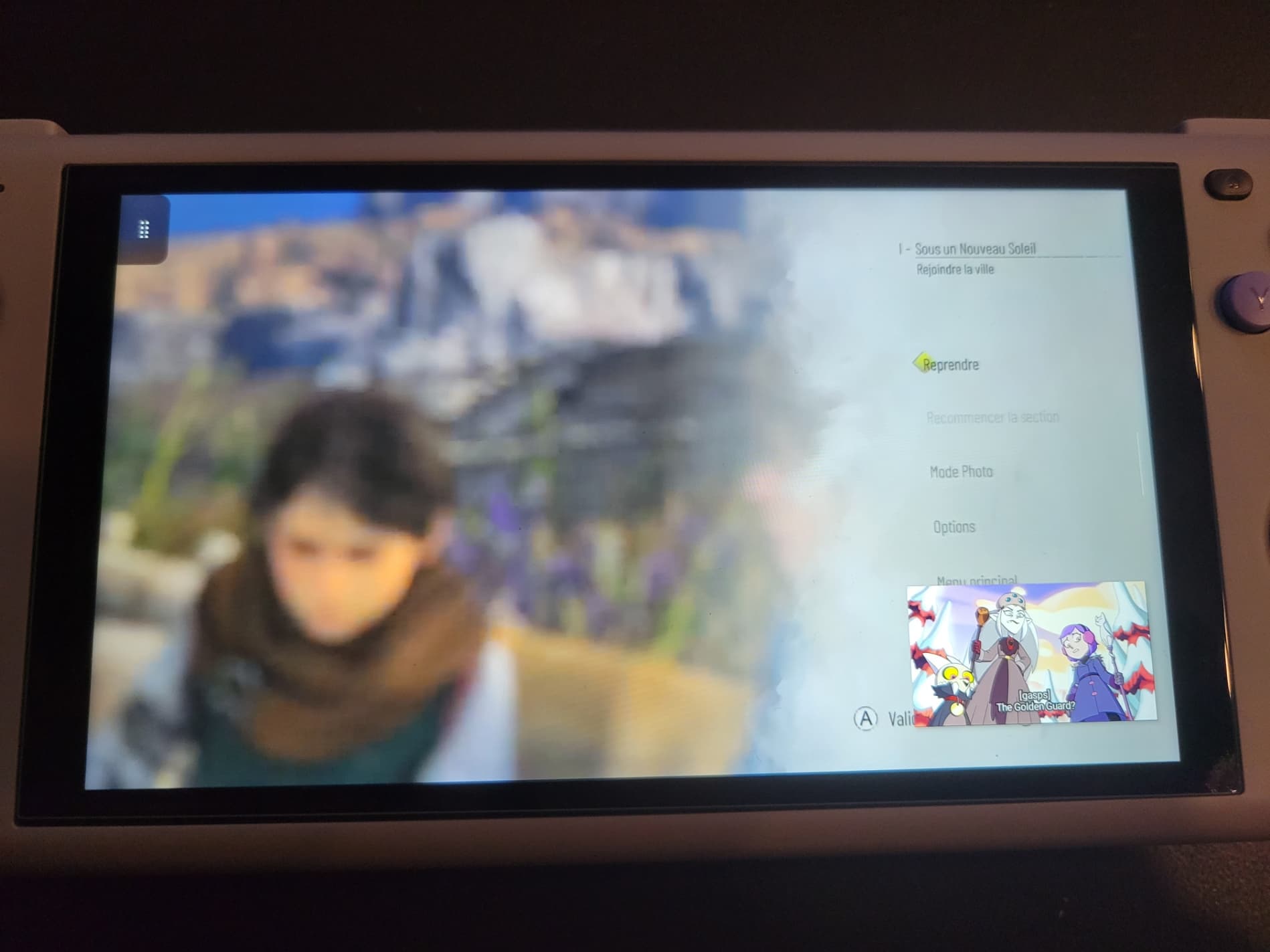
The good news is that it went into picture-in-picture mode. The TV show kept playing just fine, but I was unable to effectuate any inputs on the game itself. Inputs worked fine on the dashboard. I figured it might have been due to the fact that the game was in my Quick Resume queue and decided to try something else. Launching a freshly-installed game while running PlexAmp to stream music from my server. You’re going to have to take my word here, there is in fact music playing. I was also able to control the game.
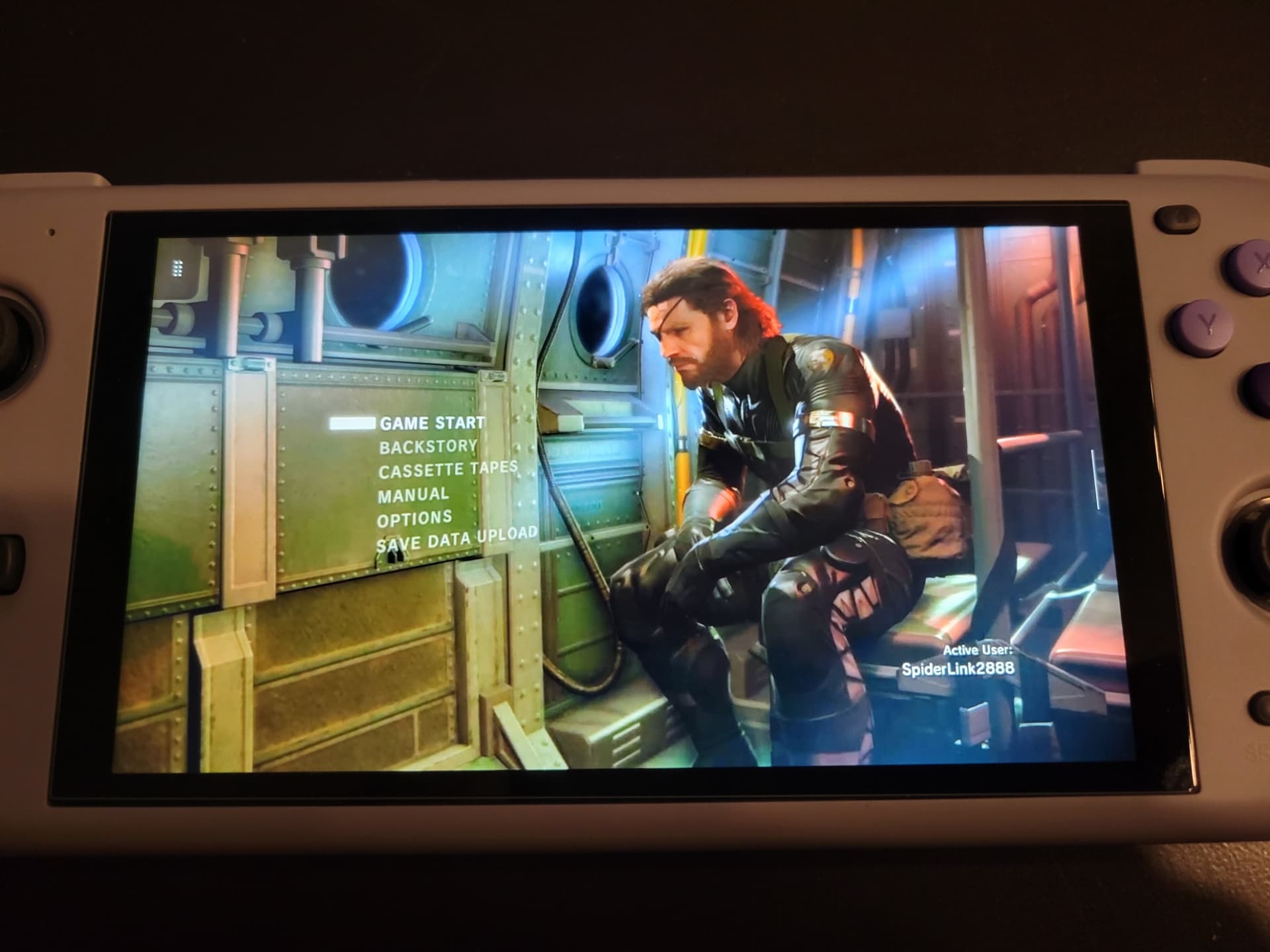
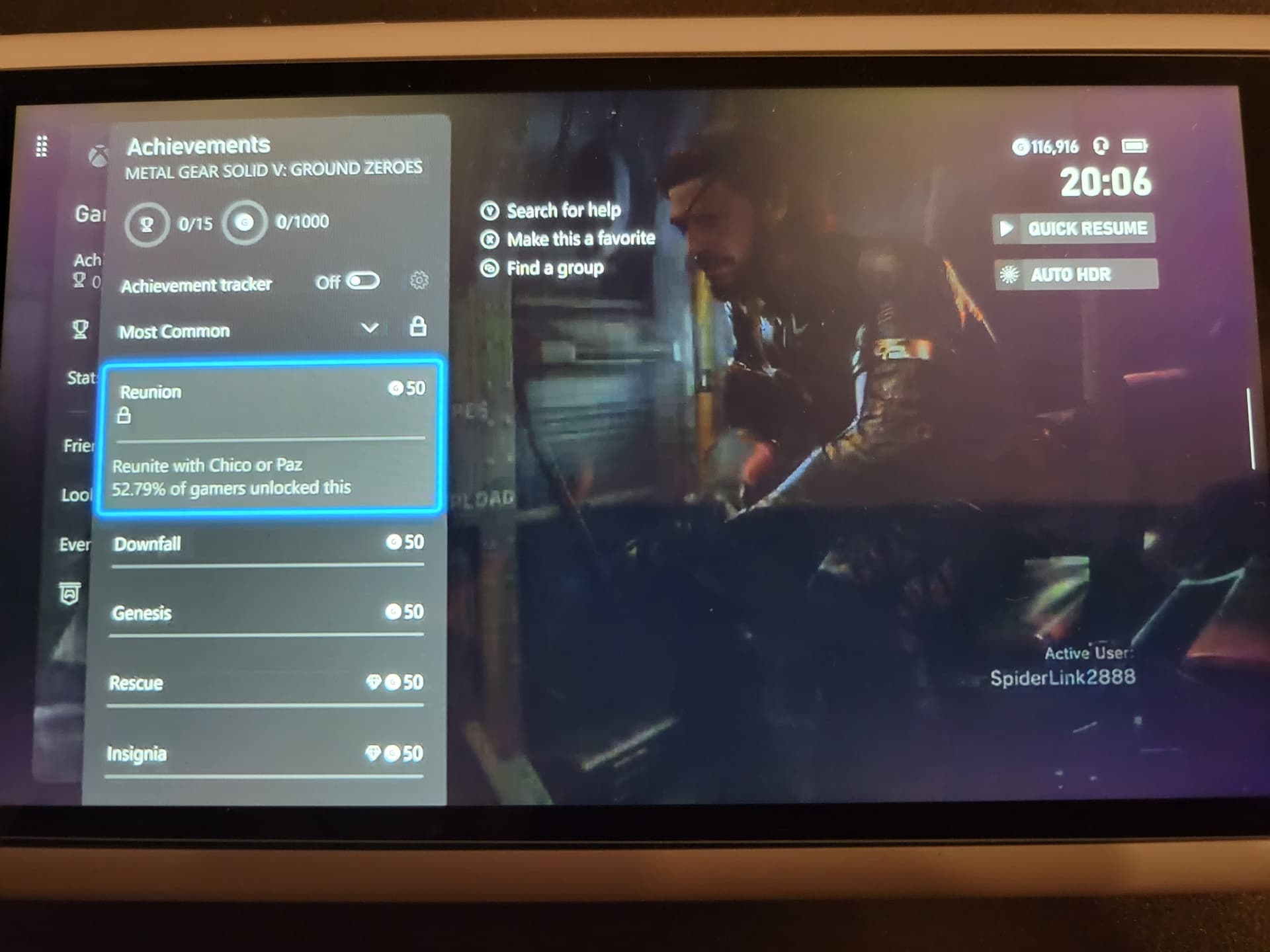
I beat it on PS4, don’t judge me. The Odin has two unobtrusive buttons on the back, and it’s smart enough to automatically map one of those to the Xbox button, which is how I was able to check my pathetic lack of achievements.
Plex with xCloud and more solo xCloud
Different file, different game. I went with anime (1080p) this time on a hunch, and went with xCloud again.
Ran into an issue right off the bat:
Trying to select “Try again” just kicked me back to the same screen almost immediately, so I tried the second option. It synced for a few seconds and found my endgame save with no issue, but the prospect of losing progress is definitely one of my big concerns with cloud gaming.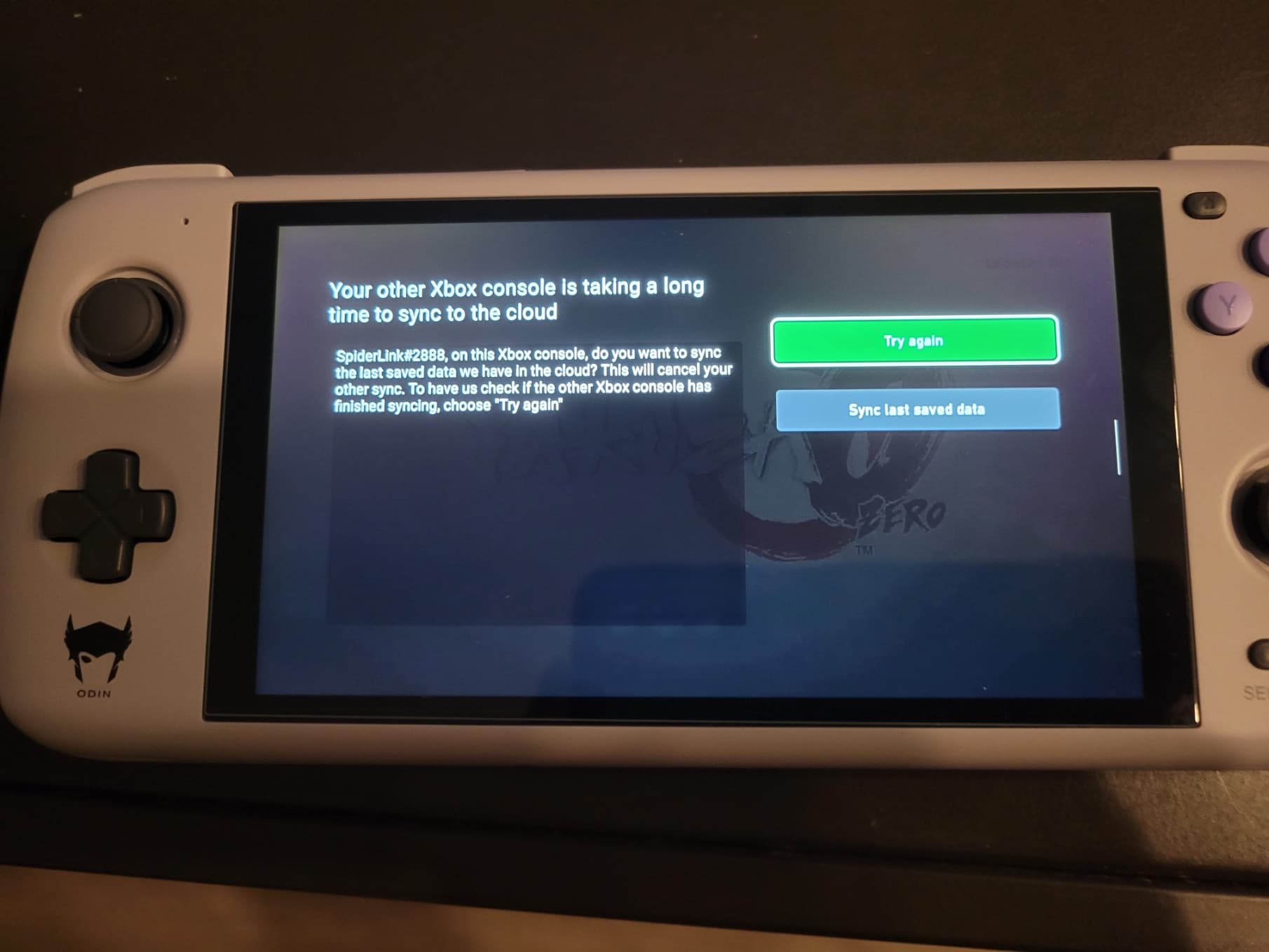

The game ran perfectly, and video play was unaffected but going into picture-in-picture got rid of the subtitles. I guess this dream is dead until I bone up on my Japanese.
I stopped the video playback and decided to focus on Yakuza 0. I know this game very well and just re-beat it not too long ago so it felt like a good test of an active game.
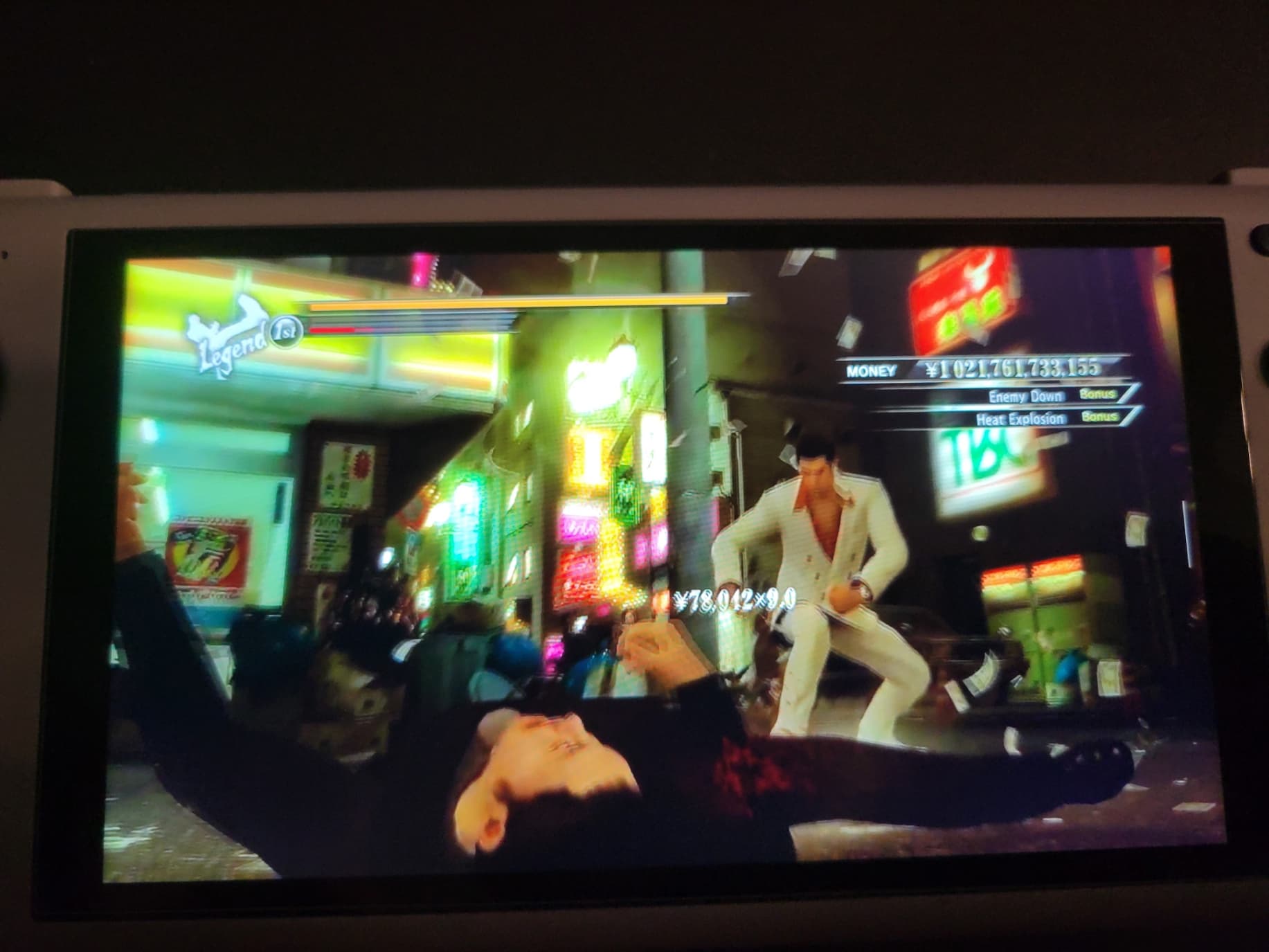
It’s…tricky to try to take a picture during a fight. I only have so many hands so the picture was affected but the game played fine. I had an issue that wasn’t because of the streaming, which I’ll explain in a second. It’s only Yakuza 0 so Kiryu hasn’t learned the Tiger Drop yet, but I was able to pull off his pre-Komaki counter move despite the relatively small timing window. Then I remembered that there was a better way to test input delay.
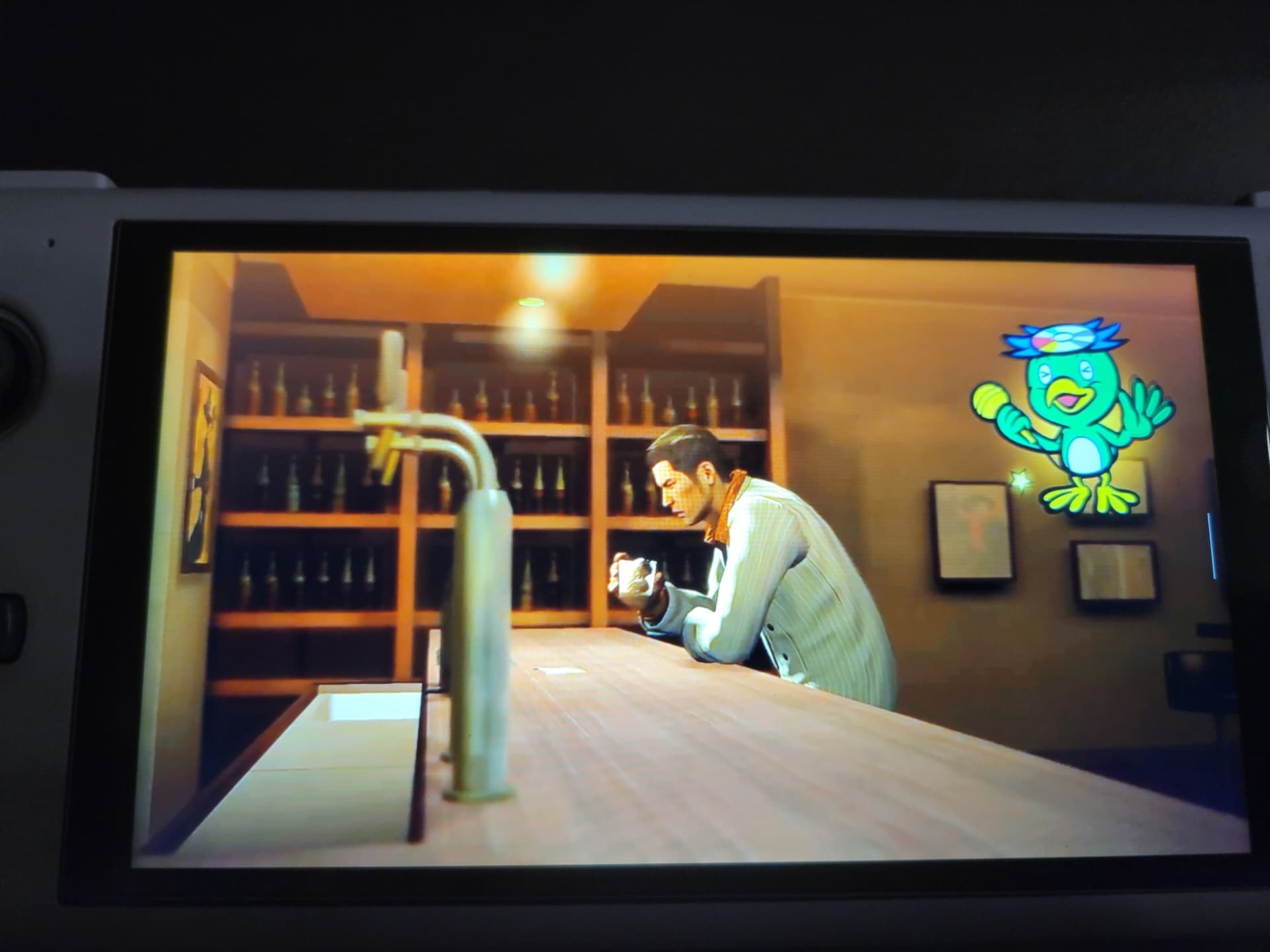
Karaoke! For reference, my previous best on this song was 86. The issue I mentioned above is that the layout of the Odin face buttons is Nintendo-style, with A on the right, X on top, B on the bottom, Y on the left. You can change the mapping easily in the settings and I did, but that doesn’t change how the buttons look obviously, and my muscle memory betrayed me. Despite that and having to pause mid-song to deal with something…
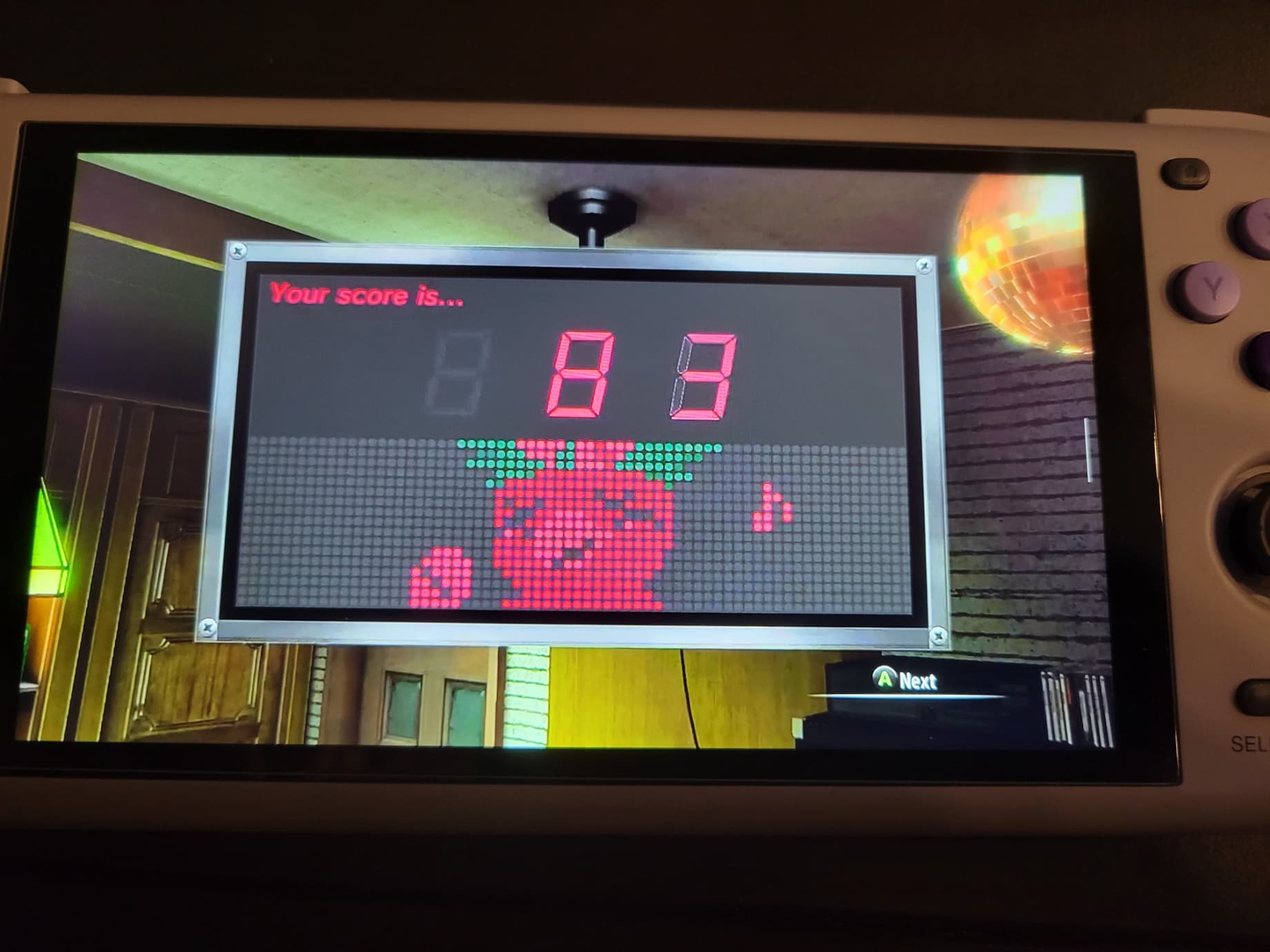
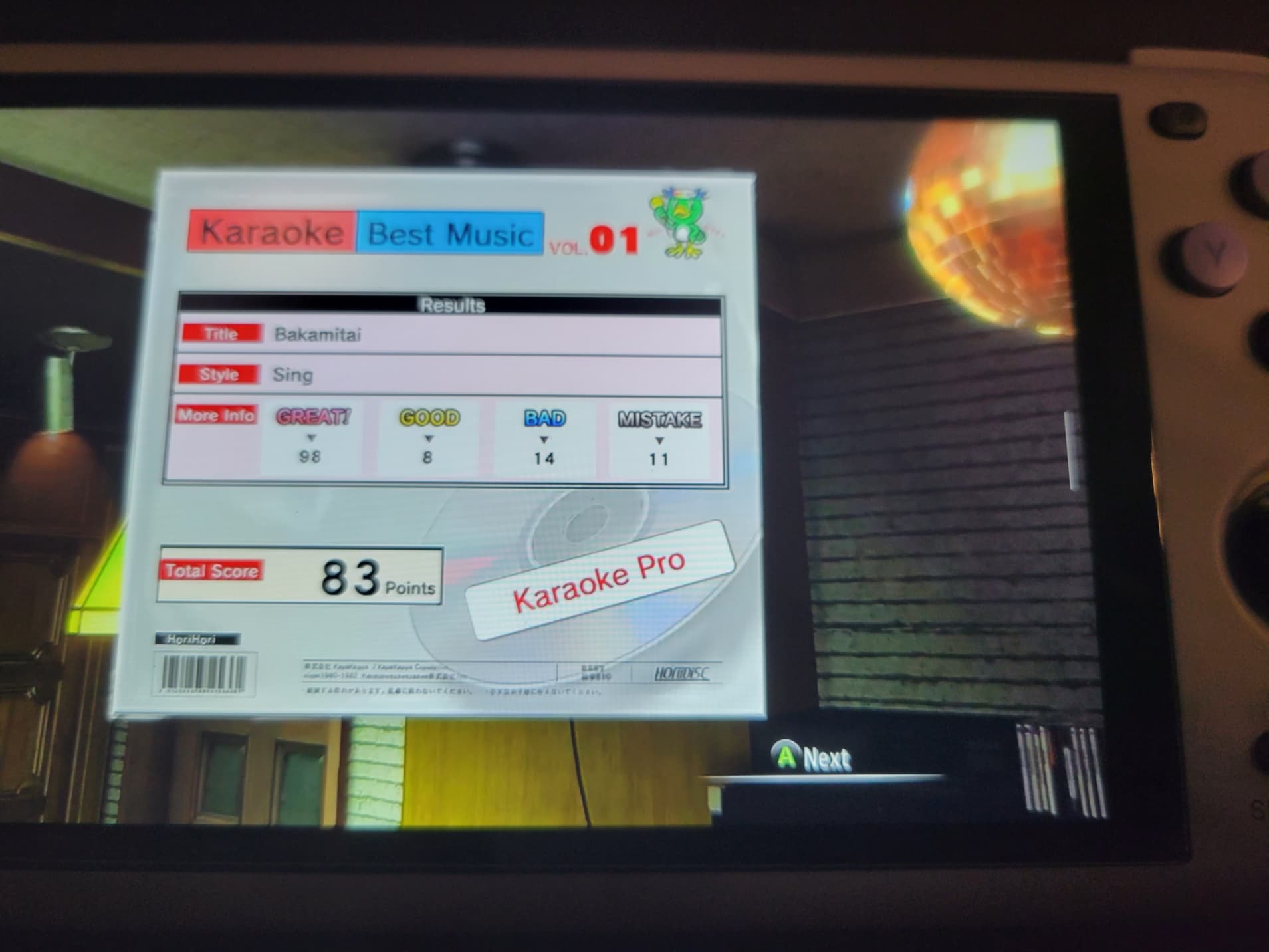
I did pretty well! I don’t know if that means the streaming is great or I’m a savant at countering delay but either way I’m satisfied.
Console streaming 360 games? Nope. Cloud streaming 360 games? Well...
At this point, I wanted to see how well the triggers worked, so I tried launching Metal Gear Solid 2 and 3 through console streaming, but it failed to launch! I was so shocked I forgot to take a picture. I remembered that those games were having some delisting issues so I decided to try with an Xbox 360 Microsoft first-party game to be certain but sure enough:
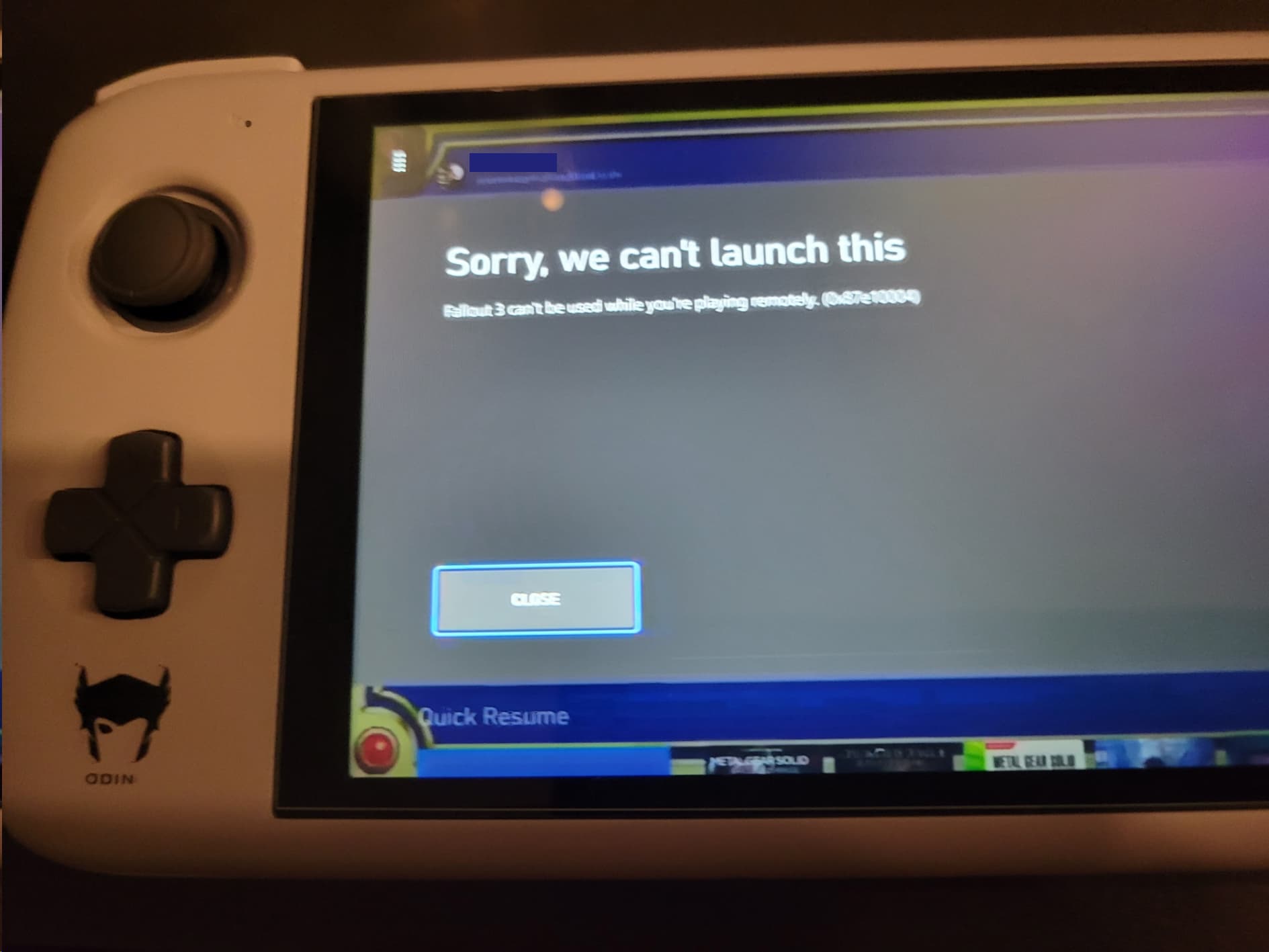
Disappointing. Surely this wouldn’t be the case with xCloud though. I decided to try a few games.
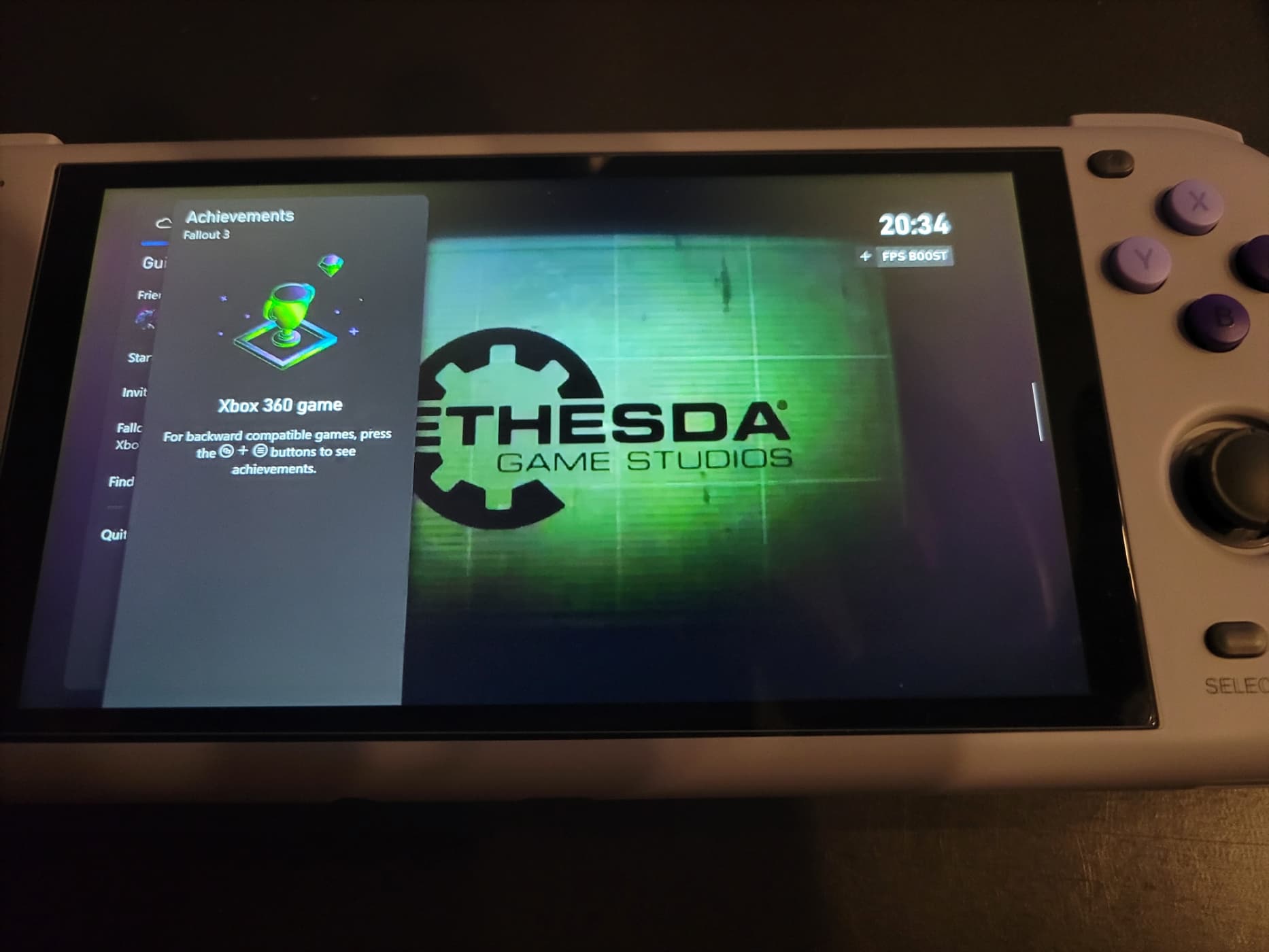
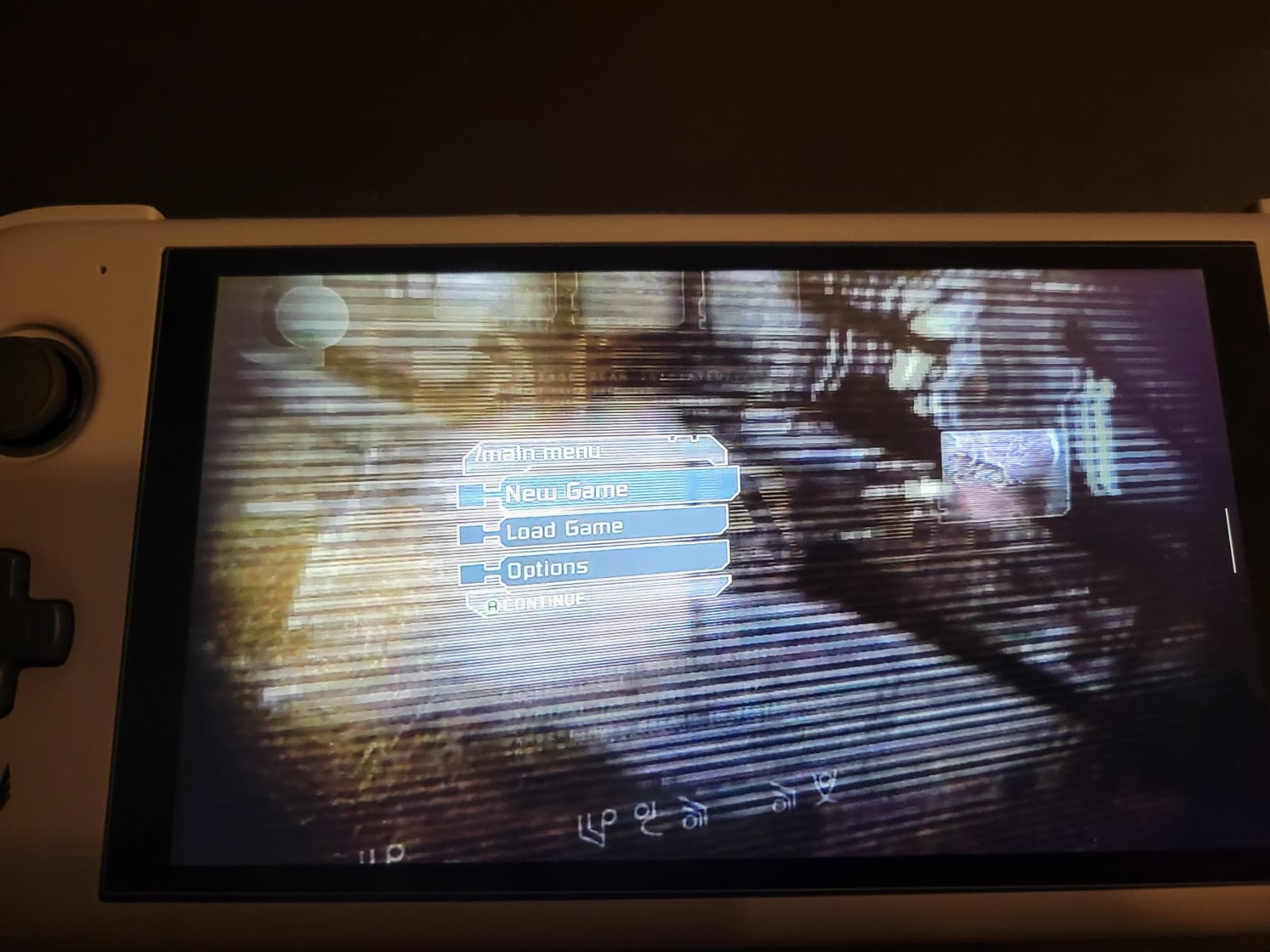
Neither Fallout 3 nor Dead Space put up a fight and got to their title screens with no problems.
I was feeling nice and confident at this point but still tried a third game and boy…
The Ugly
I didn’t put any thought into which game I picked, just grabbed the first Xbox 360 game that wasn’t Microsoft or EA, and that’s how I landed on Double Dragon Neon. I think the pictures speak for themselves:
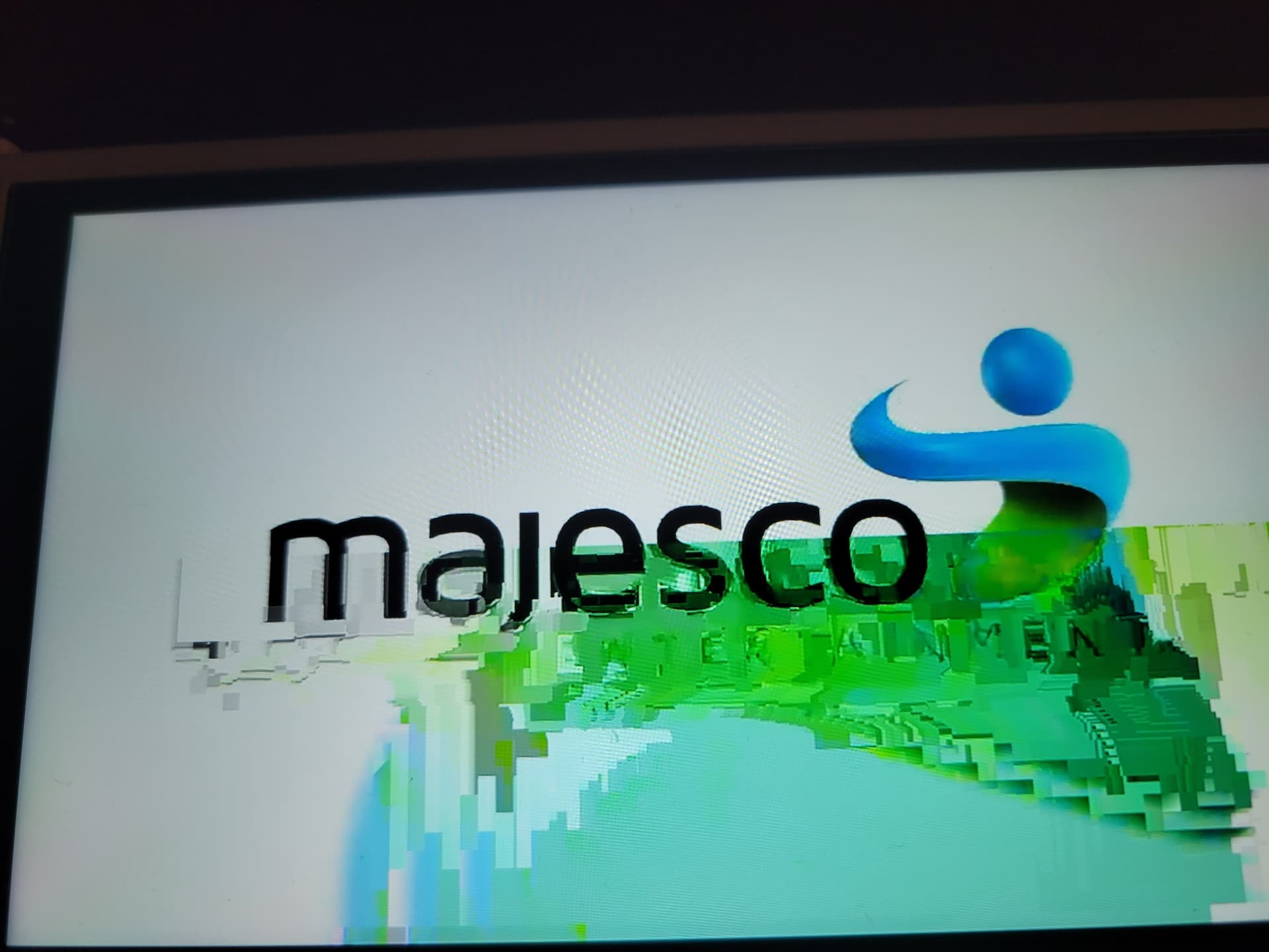
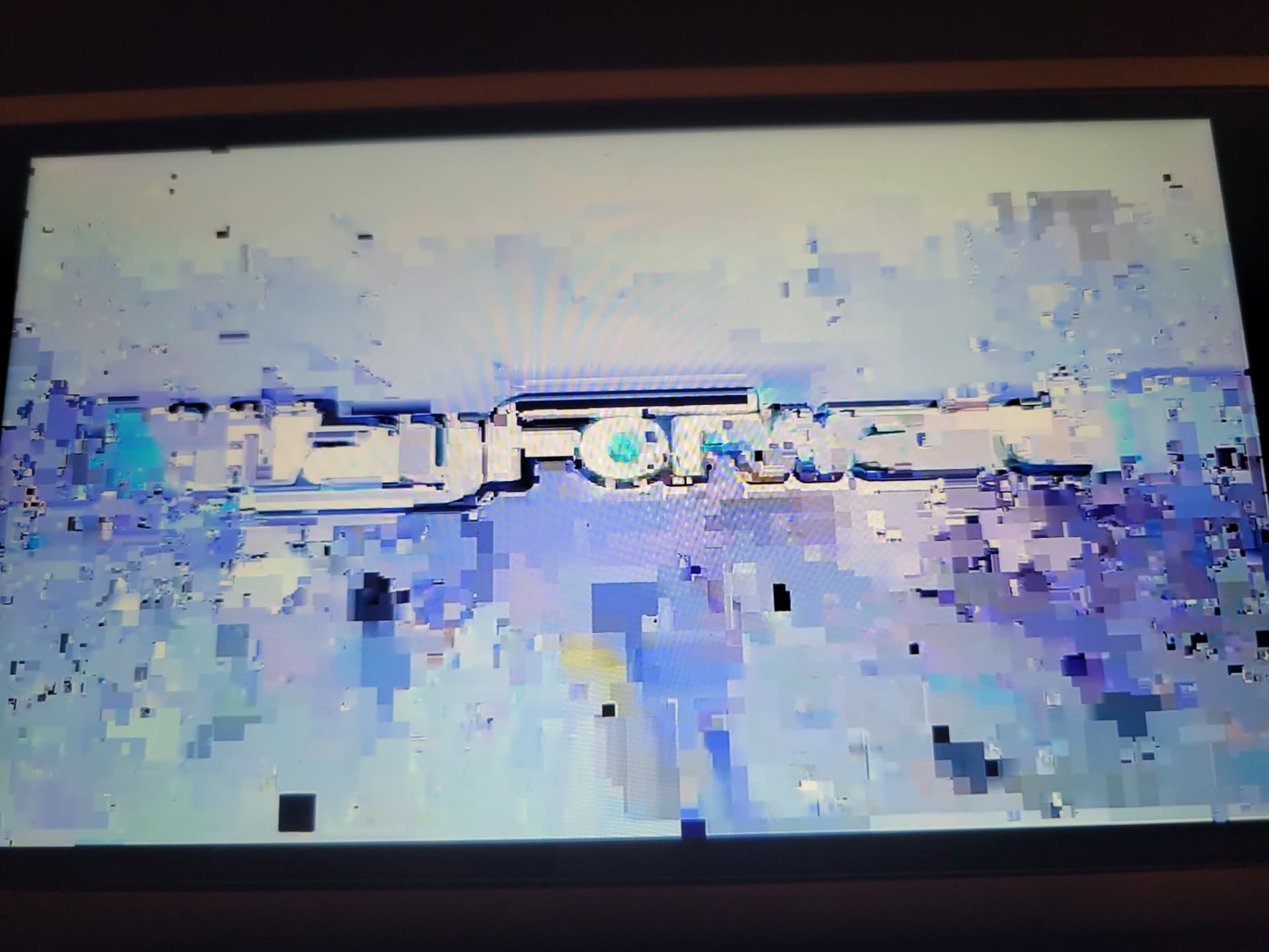

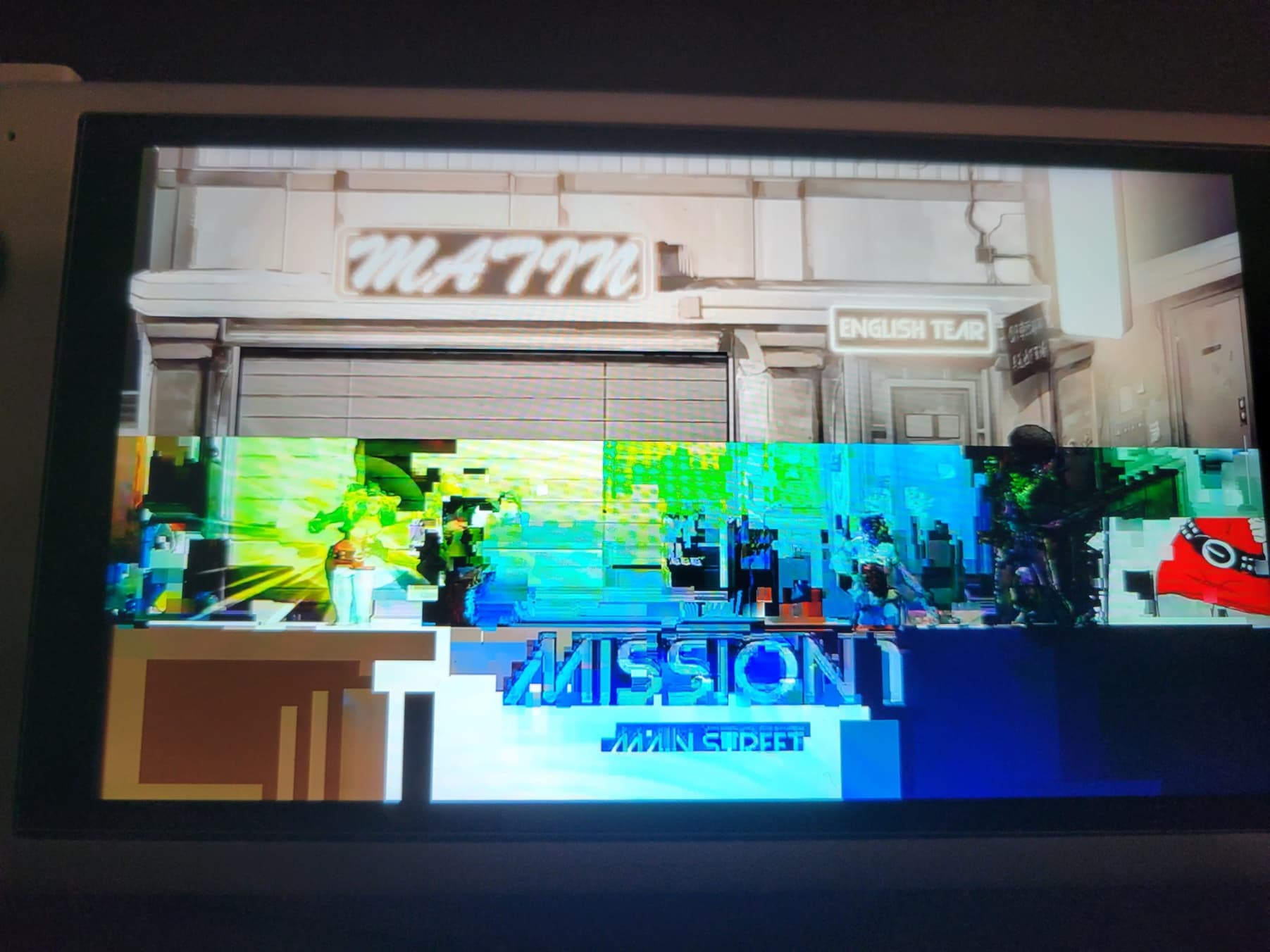
Yeah… I don’t know if this game is particularly known for being tough to stream but it was very unpleasant to see. Once the game actually started, it cleared up some and I was able to play a bit without major graphical issues. It was playable, but pretty ugly. I also didn’t find it super fun so I didn’t hang around. I intend to go back and try this again and more 360 games to see if this is a one-off or not.
Android apps, mostly emulators
At this point I was champing at the bit to fiddle with non-cloud related things. AYN apparently stands for “All You Need” and I was eager to see what else it could handle.
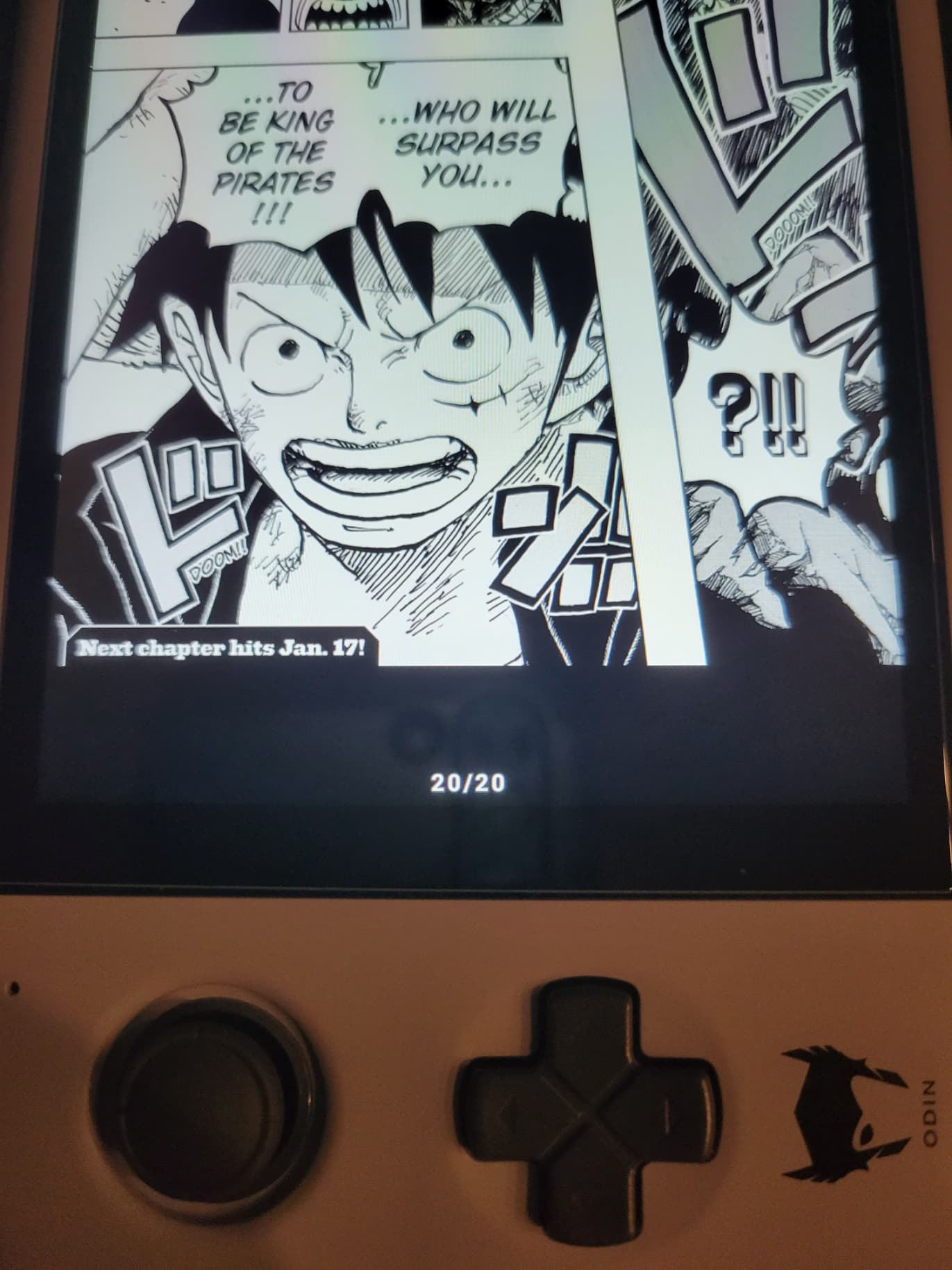
Tachiyomi - a manga/comic reading app - works great. It defaulted to portrait mode which can be a bit awkward I suppose. You can change this setting, but it does work quite well with webtoons. You can use the d-pad and touch screen to scroll.
But this is a video game forum, so here’s the good stuff:
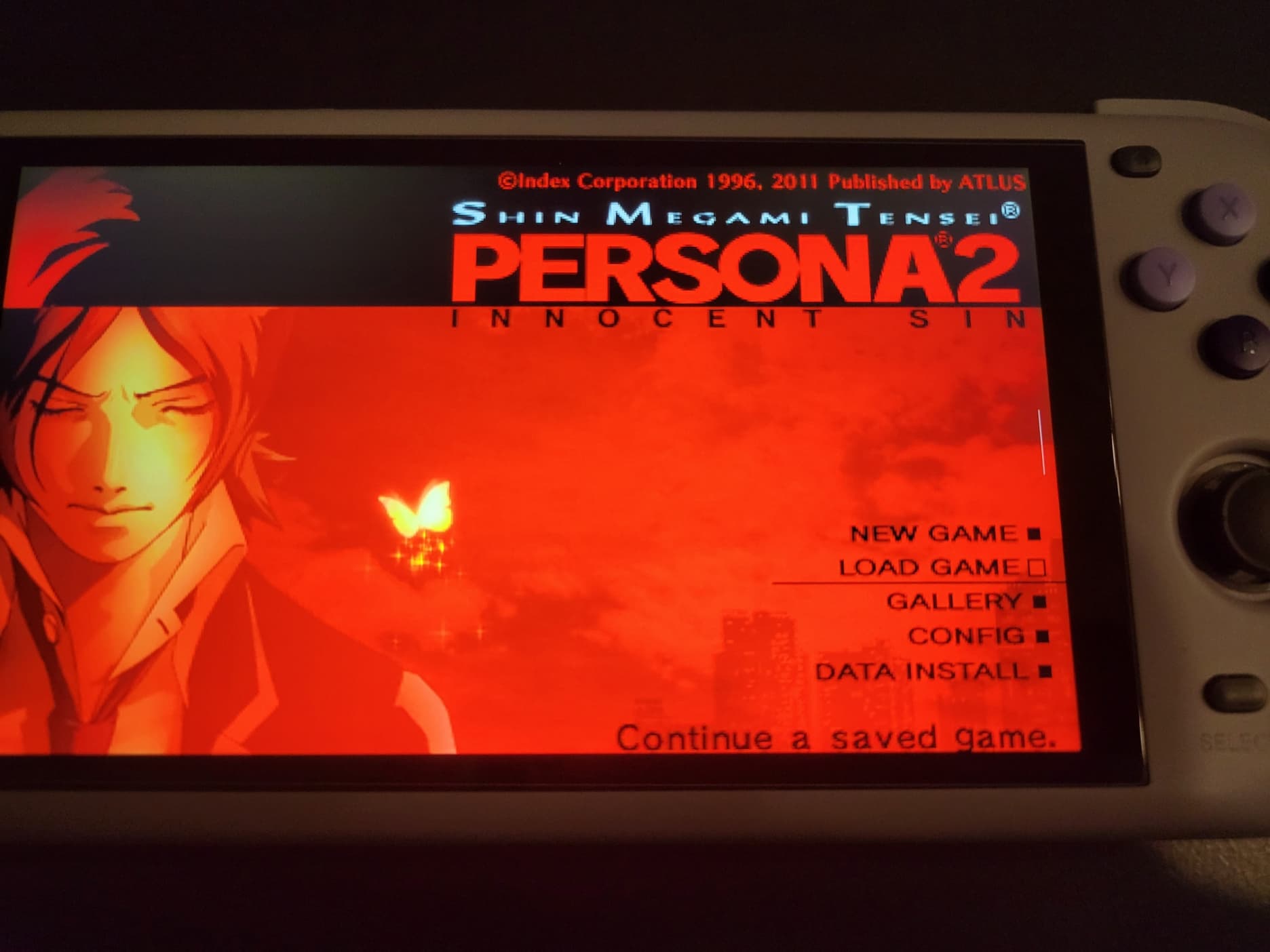
PSP worked great. I was able to run it at 2x resolution. It seems like it can go much higher so I’ll have to do some more testing. This is the PPSSPP app.
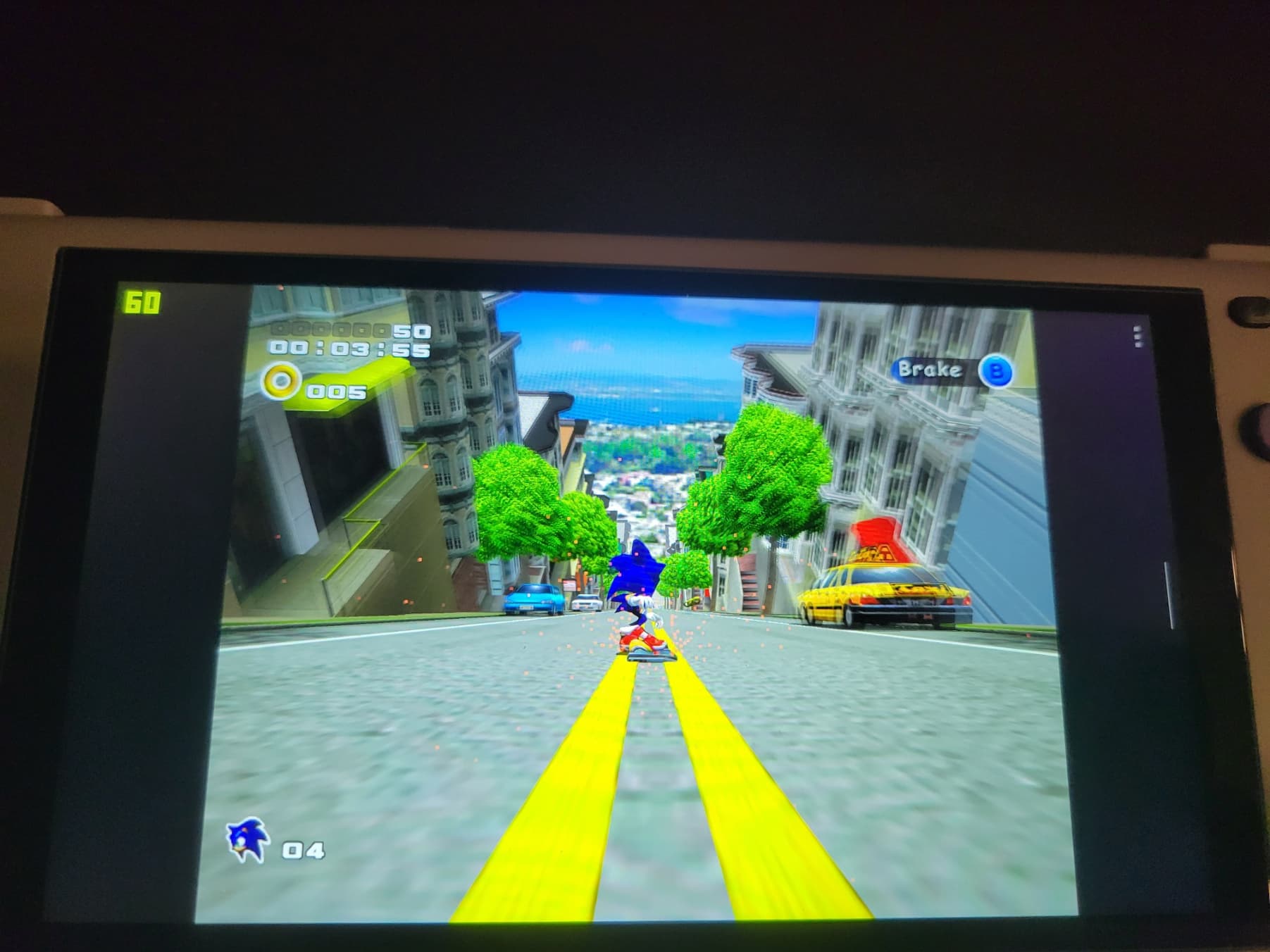
I was never really into the Dreamcast, but I still figured I should try the Redream emulator. It seems to work perfectly, upscaled to 1440p.
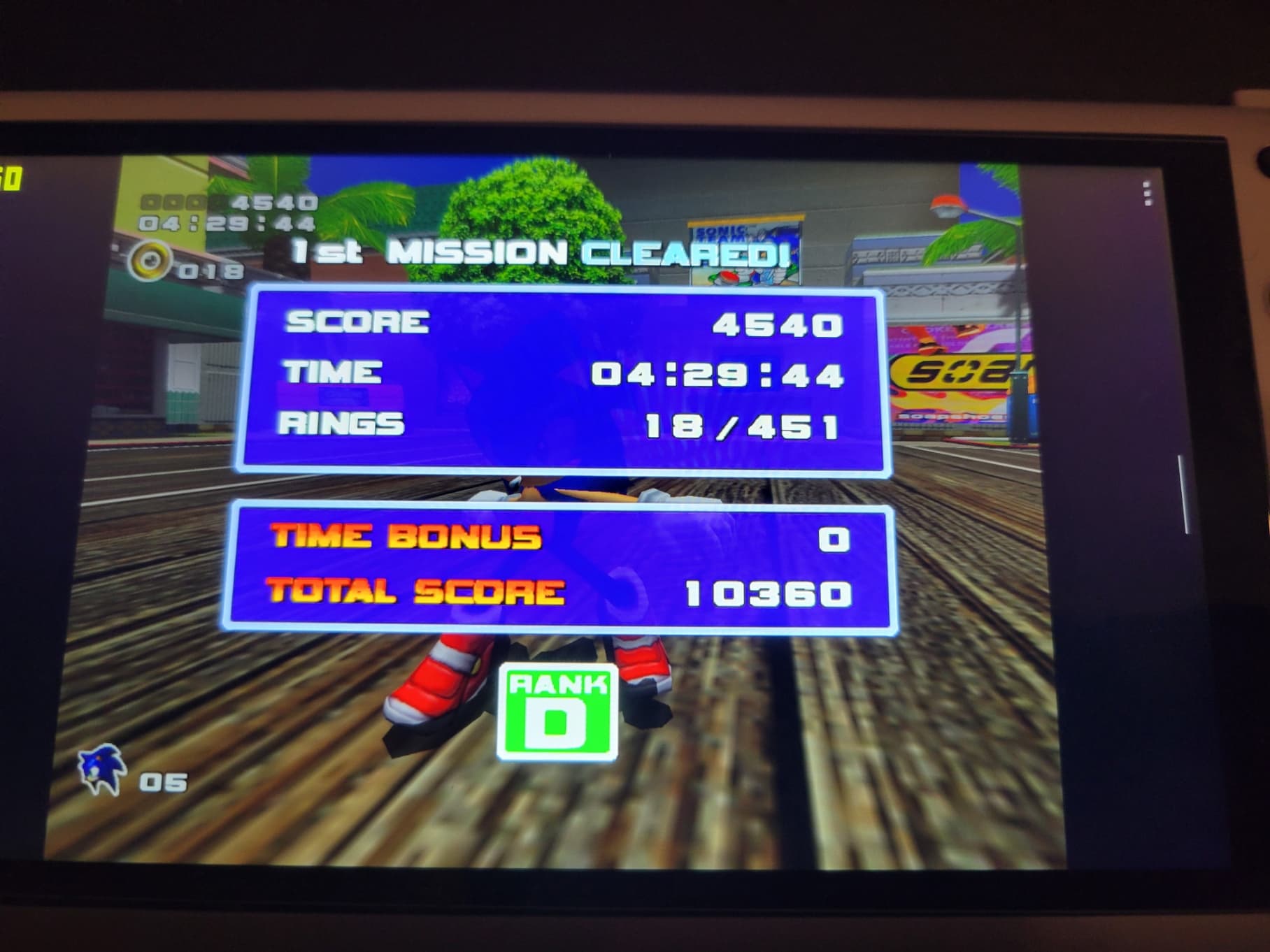
I’m pretty rusty.
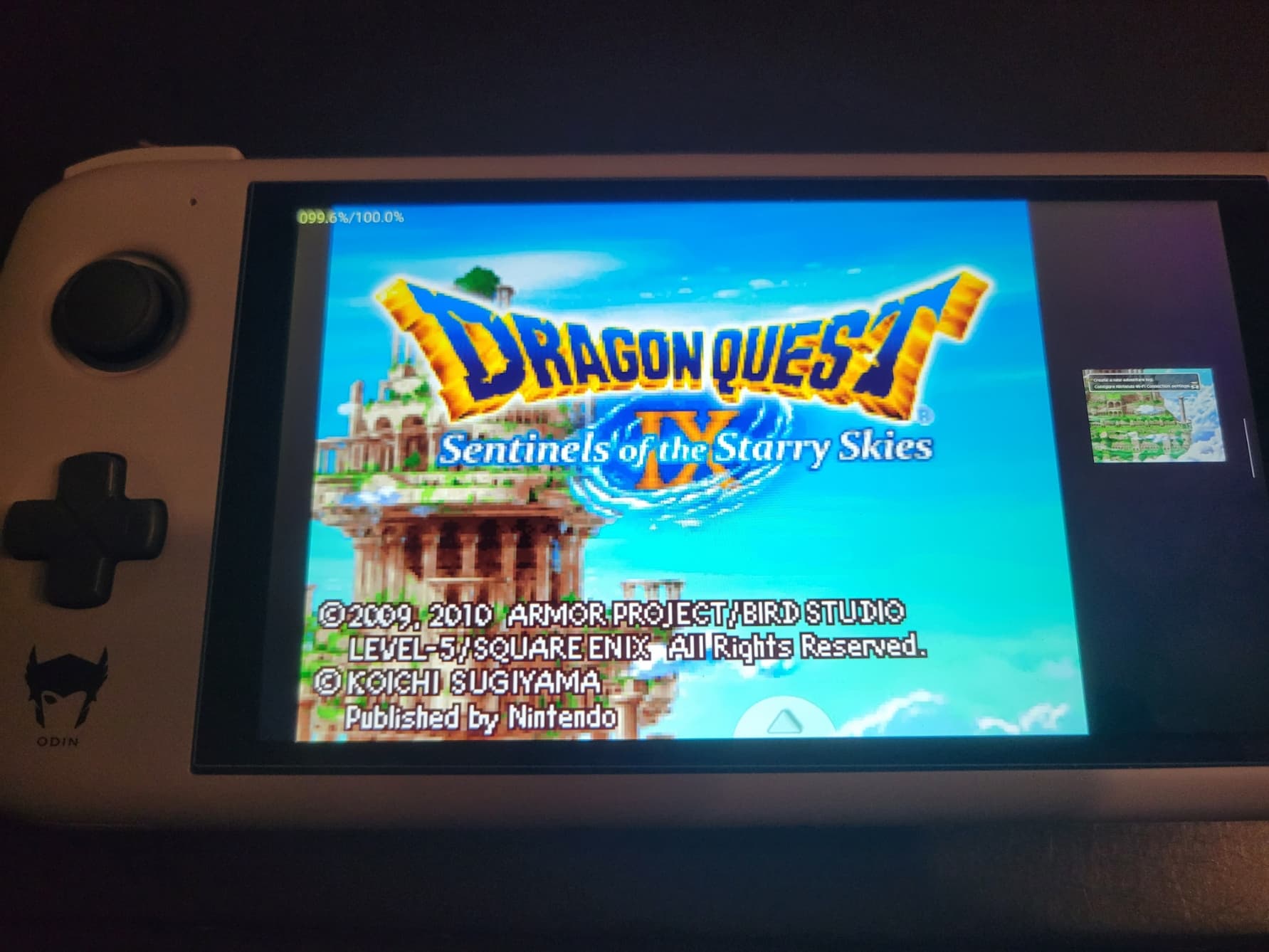
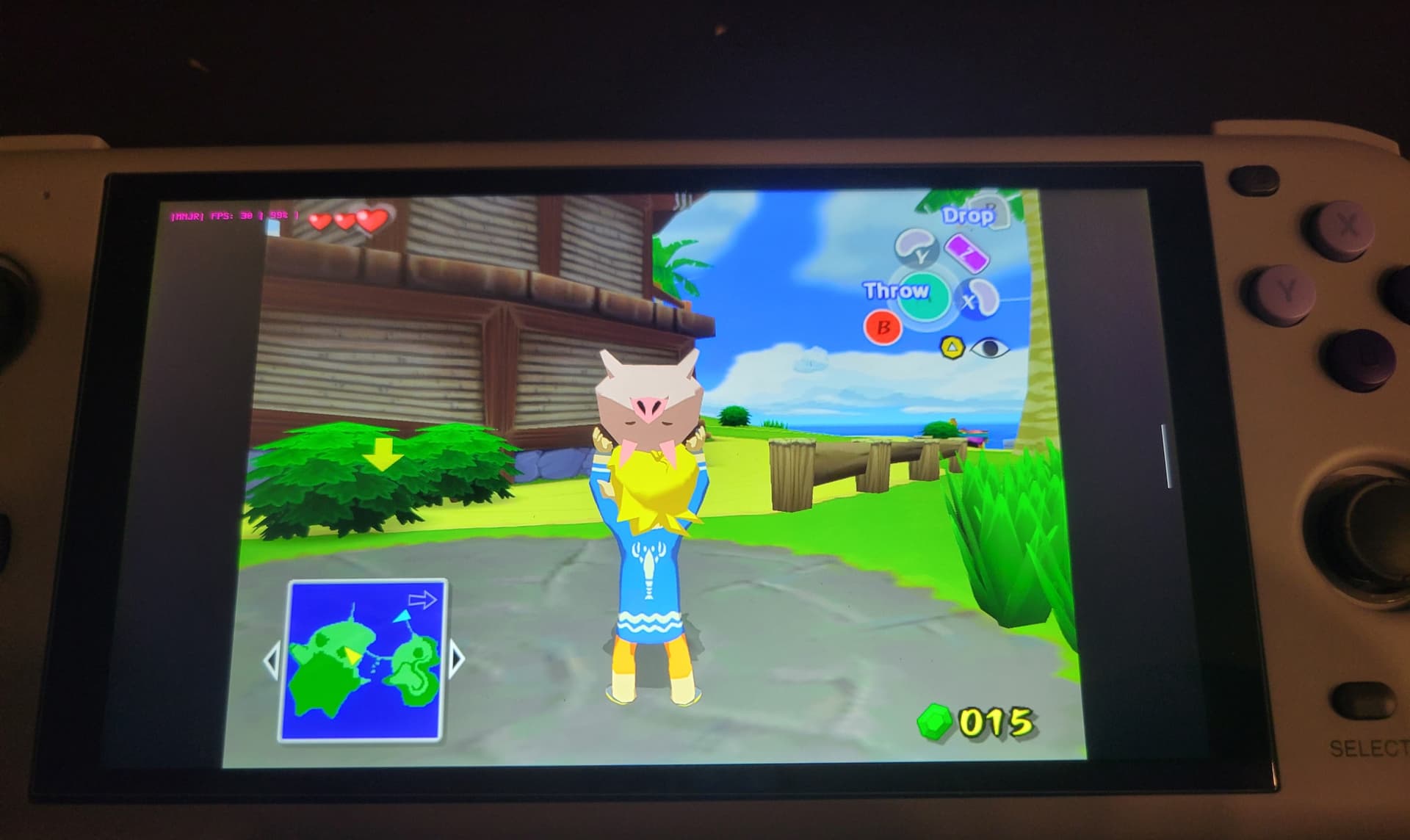
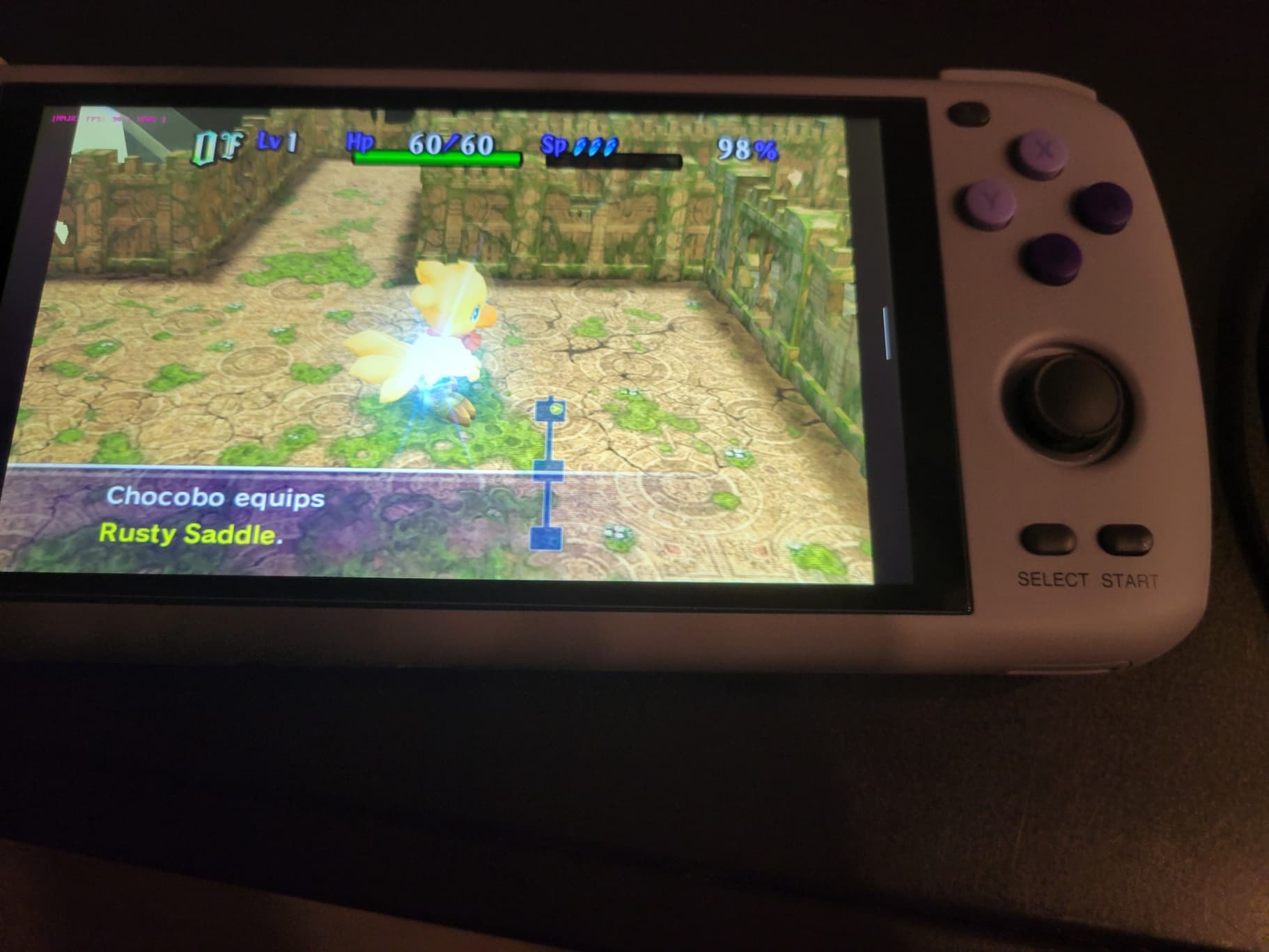
This is DraStic, the DS emulator. As I mentioned above, the Odin has a touch screen, and you can also map unused buttons to hide or swap the second screen. I don’t know how well this would work in practice, but you can probably get used to just about anything. Here’s Dolphin MMJR, a GameCube and Wii emulator. I didn’t take notes on this one but I believe I tried to run this (The Legend of Zelda: The Wind Waker) at 3x resolution. After some slowdown, I knocked it down to I think 2.5x and it worked perfectly. Dolphin MMJR again, running Final Fantasy Fables: Chocobo’s Dungeon at 2.5x resolution.

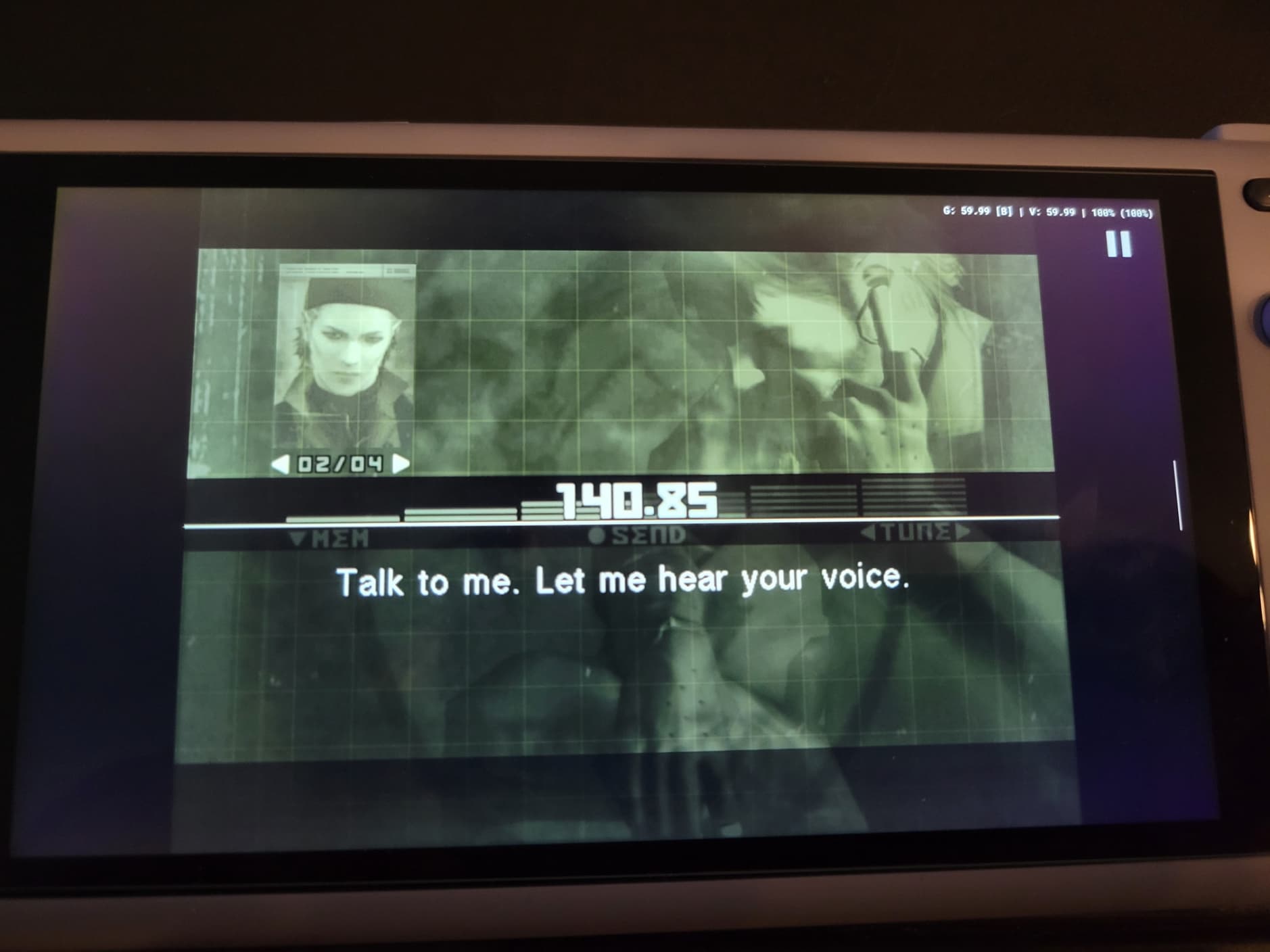
And finally, this is AetherSX2 running Metal Gear Solid 3: Subsistence (Disc One). I again failed to take notes on this one but it was a similar experience to Wind Waker: tried a too-high resolution and knocked it down so it would play better.
AetherSX2, and especially Citra (3DS) and Skyline (Switch) are very much in development. The latter two in particular are not reliable, but I’ve read that they will probably improve over time. The Odin Lite model is apparently a less popular chip set, and might not see the advances the base and Pro models might. For my part, I wasn’t expecting anything past N64/PSX so it’s all gravy.
I tried a few other older systems thanks to RetroArch x64 but there isn’t really anything extraordinary to note, they just work perfectly.
A bit more cloud stuff
I did fiddle with a bit more cloud stuff, and am looking to try more later, but there isn’t much in the way of photos. I used Moonlight in conjunction with Sunshine to stream my laptop and play Vampire Survivors.
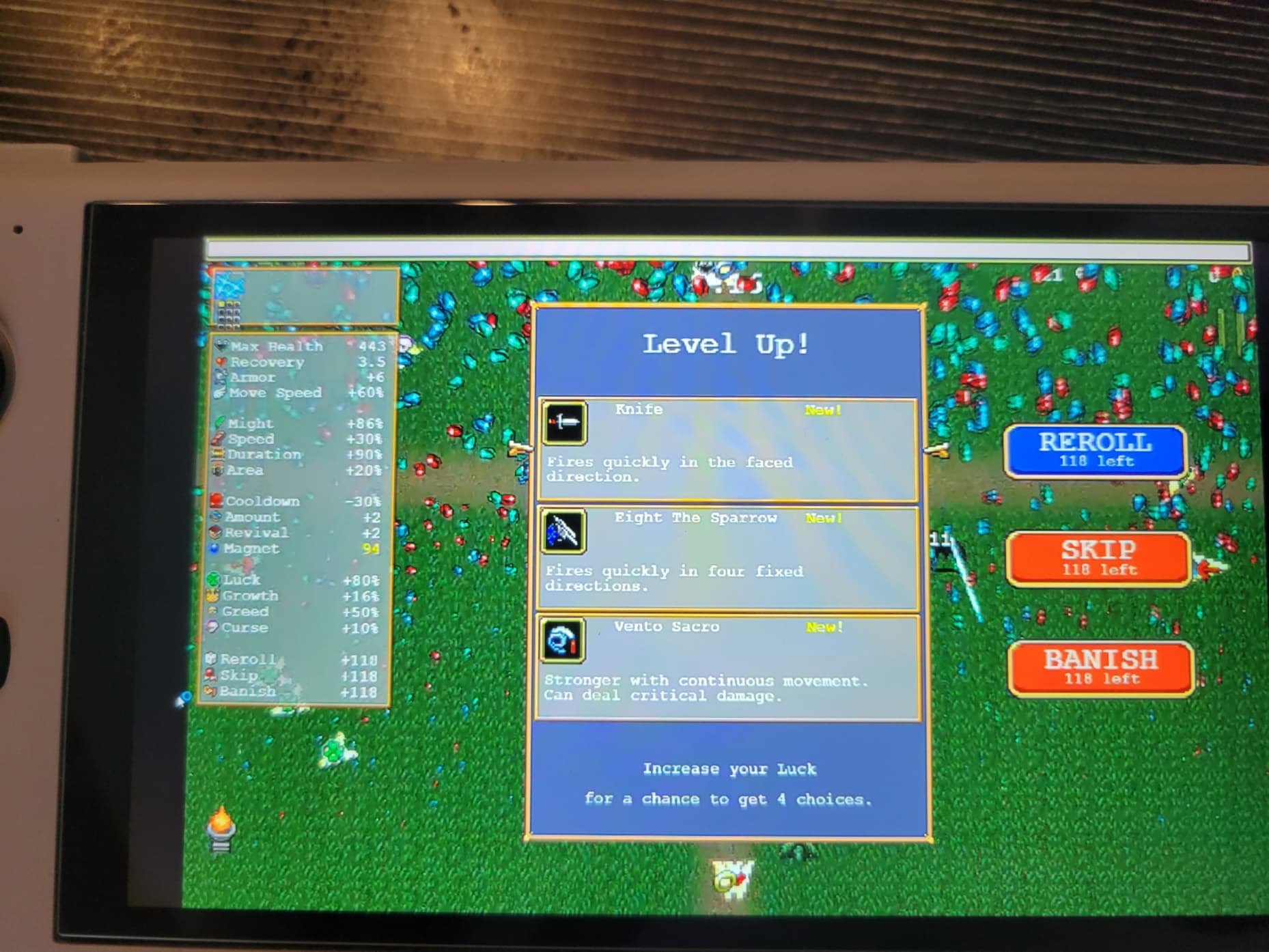
I had to fiddle a bit so it would recognize input, but it seems to work fine. My laptop isn’t exactly a beast so I left it there. I did install Playnite to have a look at my unified library, and this might be something I go back to later. I also suddenly remembered my poor dusty unplugged PS4 and intend to try out Chiaki and PSPlay to see how it handles. Maybe GEForce Now as well.
Edit: I tried GEForce Now. It made me wait a long time and then wanted my Steam credentials again. I was too annoyed so I gave up for now.
Some negatives and neutrals
-
The buttons, as I mentioned earlier, are a bit difficult to get used to . The button just above the face buttons is a home button and I reflexively hit it multiple times thinking it was the “Start” button…which kicked me out of my stream. The bigger issue is that the buttons don’t feel super great. They’re fine, but they could be better. I ordered some custom-made Xbox style ones from Etsy that allegedly have better “travel” I’m not eager to crack this baby open and replace parts but…
-
The joysticks are small. Short and small. It’s difficult to get used to and would probably be a big setback in some games. The scene has universally decided that the way to improve this is to open up the Odin and replace the stock sticks with Switch ones. Optionally, adding PS Vita stick caps would give the sticks a bit more height. There are also people who go ham and saw off Xbox sticks, hotglue and sandpaper them. Don’t think I’ll be going that far.
-
It’s well-built and feels solid in my hands but it also feels a bit small. It’s perfect for my partner’s tinier hands, but I’ve ordered a 3D-printed grip that makes it more like a controller.
-
The save syncing thing is the giant grim specter keeping me from jumping into cloud gaming with both feet. There are few things I hate more than wasted time due to tech not working the way it should. I’ve set up the local emulators saves so that they should automatically sync to my server for safe-keeping, but that doesn’t solve the Xbox side of things.

My experience has been overwhelmingly positive, and I can see this handheld becoming a must-bring on trips, even without guaranteed internet access. I haven’t shown off the frontend, but I’m using a free one called Daijishō that makes everything look pretty and generally seamless. I still need to fiddle with things a lot, but honestly that’s part of the fun for me.
I admit that this has been a very contained experiment. I’ll be travelling this weekend and will edit this post to reflect how well it handles hotel Wi-Fi. Thanks for reading!